 Prompt Workshop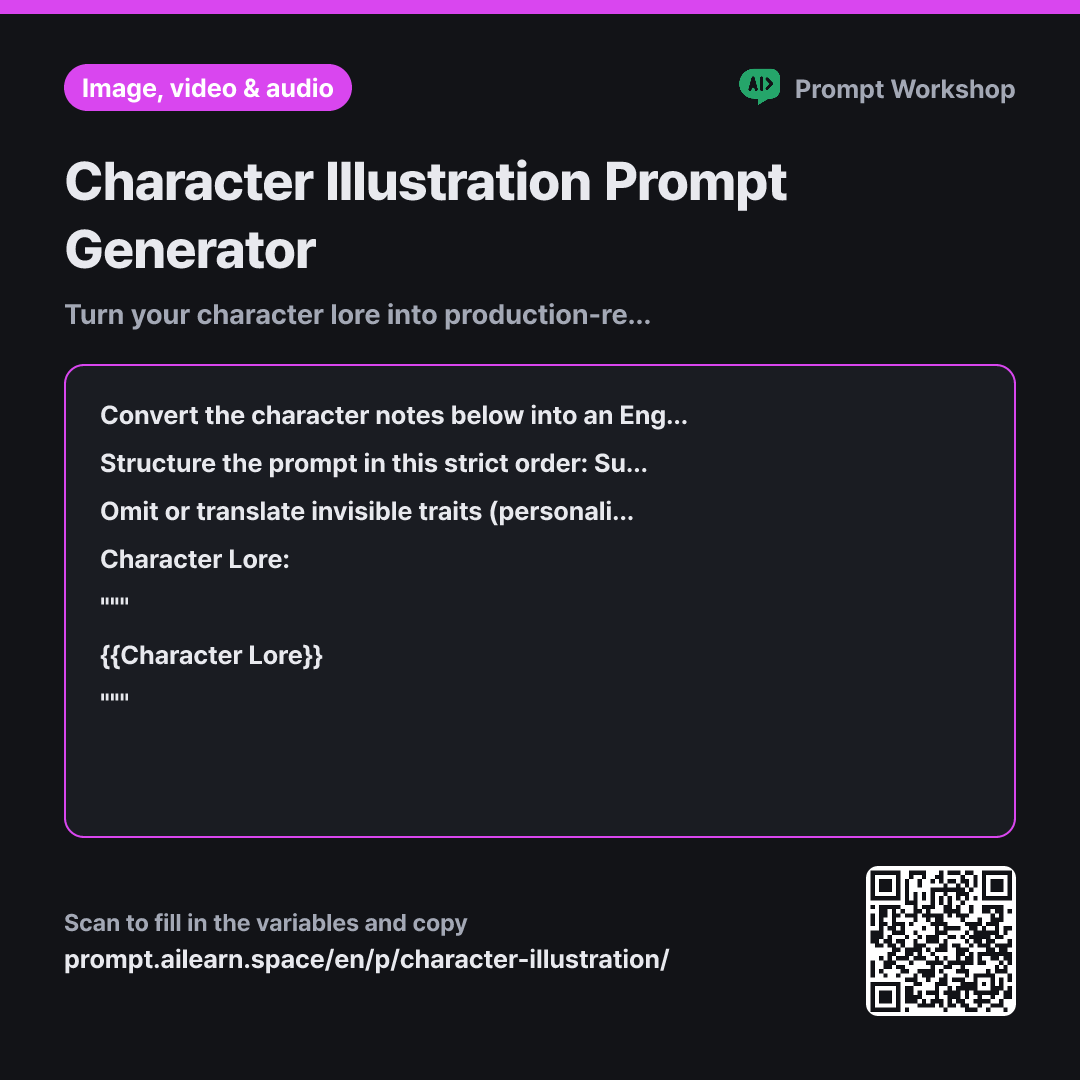
Why it is written this way
Tap a block to see its paragraph
Convert the character notes below into an English image generation prompt for an AI image tool. Do not copy the entire backstory; extract only visually observable details. The desired art style is {{Art Style}}, and the pose is {{Pose}}.
Structure the prompt in this strict order: Subject's basic info (age group, build) → Hair and eyes → Clothing and handheld items → Pose and facial expression → Composition and camera angle → Art style. Connect these as short noun phrases separated by commas in a single line. Provide 3 distinct variations. Beneath each option, write a one-line explanation in English detailing how it differs, and conclude with a bulleted list of the core visual traits shared across all three options.
Omit or translate invisible traits (personality, backstory, relationships, tone of voice) into visual cues. For example, translate "quiet" into an averted gaze or a subtle, closed-off expression. Do not reference real living people, specific artists, or copyrighted franchises; use descriptive style terms instead of full sentences.
Character Lore: """ {{Character Lore}} """
- Material What the AI needs to know ×1
- Work What to do, and how ×1
- Output What comes back, in what shape ×2
The most common mistake when writing character art prompts is pasting in raw character bios. When an image model receives paragraphs dominated by backstory, personality, and personality quirks, it grabs a few random keywords and ignores the rest, resulting in a generic figure that barely resembles your concept.
Read the full explanation · 3 paragraphs
Explicitly setting the task to "extract only visually observable details" ensures the model filters lore instead of summarizing it, preserving key visual anchors. The format hierarchy—basic build → hair/eyes → clothing → pose → composition → style—is crucial because text-to-image models assign heavier weights to terms appearing earlier in the prompt. Placing art style first often overpowers the character's unique features.
Setting clear constraints forces invisible traits into visible markers (e.g., turning "introverted" into an averted gaze). Avoiding artist names also yields cleaner, more controllable outputs focused on line weight and lighting rather than unpredictable stylistic quirks.
Wrapping the source material in triple quotes (""") clearly separates instructions from data, preventing the AI from misinterpreting narrative backstory as operational instructions. The shared trait summary at the end provides a reusable template to maintain character consistency in future generations.
Unfamiliar terms? See Aha AI: prompt, output-format
Compared with a bad example
Make a prompt to draw this character (pastes entire character backstory note)
Pasting raw lore confuses the AI with non-visual concepts, diluting the character's distinct look. Without specifying pose or style, every generation produces a completely different person, making it impossible to diagnose what needs fixing. Signature accessories like headphones or sketchbooks often get lost entirely.
Variations
When generating expression and angle sheets
Expression sheets require strict character consistency. This prompt locks down the baseline physical traits and isolates variation to expression and camera angle.
Show prompt
I want to create an expression sheet for the same character. Keep the core physical description extracted from the notes below completely identical, and generate 5 English prompts varying only the facial expression and camera angle. Keep the art style as {{Art Style}} across all 5 prompts. Beneath each option, add a one-line note in English indicating the intended emotion.
Character Lore: """ {{Character Lore}} """
When placing the character into a full scene
Character portraits and environmental shots require different visual priorities. This variant scales back granular costume details to emphasize spatial framing, environmental storytelling, and lighting.
Show prompt
I want to generate an image placing the character below into a complete environmental scene. The pose is {{Pose}}. Keep the character's physical description brief and focus the English prompt primarily on the environment and the subject's relationship to it (where they are positioned, what they are looking at, and the lighting source/direction). Provide 3 prompt variations. Beneath each option, add a one-line note in English describing the mood and narrative of the scene.
Character Lore: """ {{Character Lore}} """
Model notes
When generating multiple scenes with the same character, copy the visual appearance phrase word-for-word. Even slight wording changes will cause the model to generate a different person.
Last updated 2026-09-02 · Found a mistake? Let us know