 Prompt Workshop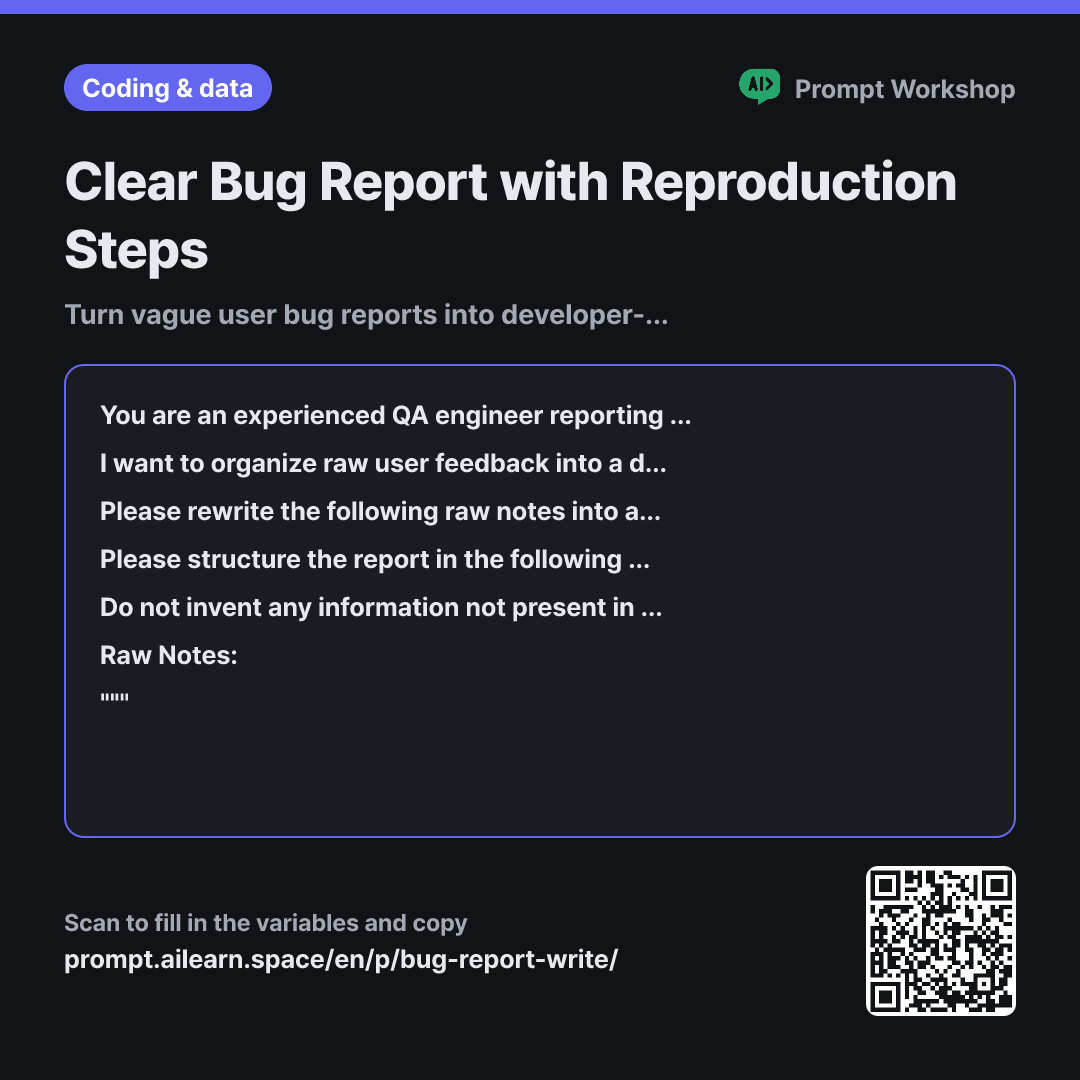
Why it is written this way
Tap a block to see its paragraph
You are an experienced QA engineer reporting bugs to a development team. Your goal is to write a clear, actionable bug report that developers can reproduce immediately without asking follow-up questions.
I want to organize raw user feedback into a developer-ready bug report. The environment where the issue occurred is {{usage environment}}, and the expected behavior is {{expected behavior}}.
Please rewrite the following raw notes into a structured bug report. Categorize the scattered information and break down the reproduction steps into atomic, actionable steps that a developer can follow exactly.
Please structure the report in the following order: Title (a single line summarizing what fails and when) · Steps to Reproduce (numbered, one single action per line) · Expected Result · Actual Result · Environment · Frequency (Always / Intermittent / One-time, only if supported by the notes) · Recommended Attachments.
Do not invent any information not present in the notes; write "Not provided in report" instead. Do not speculate on the technical root cause. Instead, list up to 3 specific follow-up questions at the end that the team should ask the reporter. If the notes contain real names, phone numbers, or order IDs, anonymize them (e.g., "User A", "Order #1").
Raw Notes: """ {{symptom note memo}} """
- Role Who answers ×1
- Material What the AI needs to know ×2
- Work What to do, and how ×1
- Output What comes back, in what shape ×2
Writing effective bug reports is challenging not because of writing skills, but because of information structure. When a ticket simply says "checkout isn't working," developers fail to reproduce it, wasting hours in back-and-forth messaging while the user forgets key details.
Read the full explanation · 3 paragraphs
Enforcing a strict output format is the core of this prompt. In particular, separating "Expected Result" from "Actual Result" turns "it doesn't work" into "the checkout button should open the payment modal, but nothing happens on click"—instantly narrowing down where to look. Restricting reproduction steps to one atomic action per line ensures developers can pinpoint the exact moment of failure.
The three constraints filter out common noise. "Do not invent info; mark as Not provided" prevents the hallucination of plausible browser versions or fictional error messages. "Do not speculate on root causes" keeps the report objective rather than misguiding developers toward false assumptions, while generating follow-up questions ensures you can gather missing info from the reporter in a single reach-out.
Wrapping the raw notes in """ prevents user notes from colliding with the main system instructions (e.g., notes saying "Please fix this ASAP" won't confuse the model). Anonymizing user details ensures sensitive customer PII is not leaked into public or internal issue trackers.
Unfamiliar terms? See Aha AI: output-format, prompt-injection
Compared with a bad example
A customer said checkout isn't working. Please write a bug report. They said it worked yesterday but failed today.
The AI will hallucinate missing details. It may invent plausible error codes or unconfirmed browser versions, wasting developers' time investigating false leads. The reproduction steps will likely end up as a single vague line like "Attempt checkout," requiring someone to follow up anyway to ask which button was clicked.
Variations
For internally experienced bugs
Useful for internal testing where you have direct access to reproduce. Generating a checklist of pre-filing checks helps prevent issues from being closed as "Works on my machine."
Show prompt
I want to file a bug report for an issue I personally encountered. The environment is {{usage environment}}, and the expected behavior is {{expected behavior}}. Please format the notes below into an issue ticket, clearly separating what I have already tested from what I have not yet tested. Before filing, list 3 quick sanity checks I should run first.
""" {{symptom note memo}} """
For aggregating multiple user reports
Ideal when user feedback piles up. Grouping related reports helps you create consolidated tickets rather than spamming the backlog with duplicates.
Show prompt
Below is a collection of user reports submitted over the past few days. Group them by likely shared issues, and provide a single-line representative title along with key similarities and differences for each group. Isolate single, hard-to-categorize reports into a separate section. Do not guess; justify your groupings by quoting phrases directly from the reports.
""" {{symptom note memo}} """
Model notes
Attach screenshots or error screen recordings if available. Multimodal models can extract exact error messages and UI screen names that are often omitted in written notes.
Last updated 2026-09-02 · Found a mistake? Let us know