 Prompt Workshop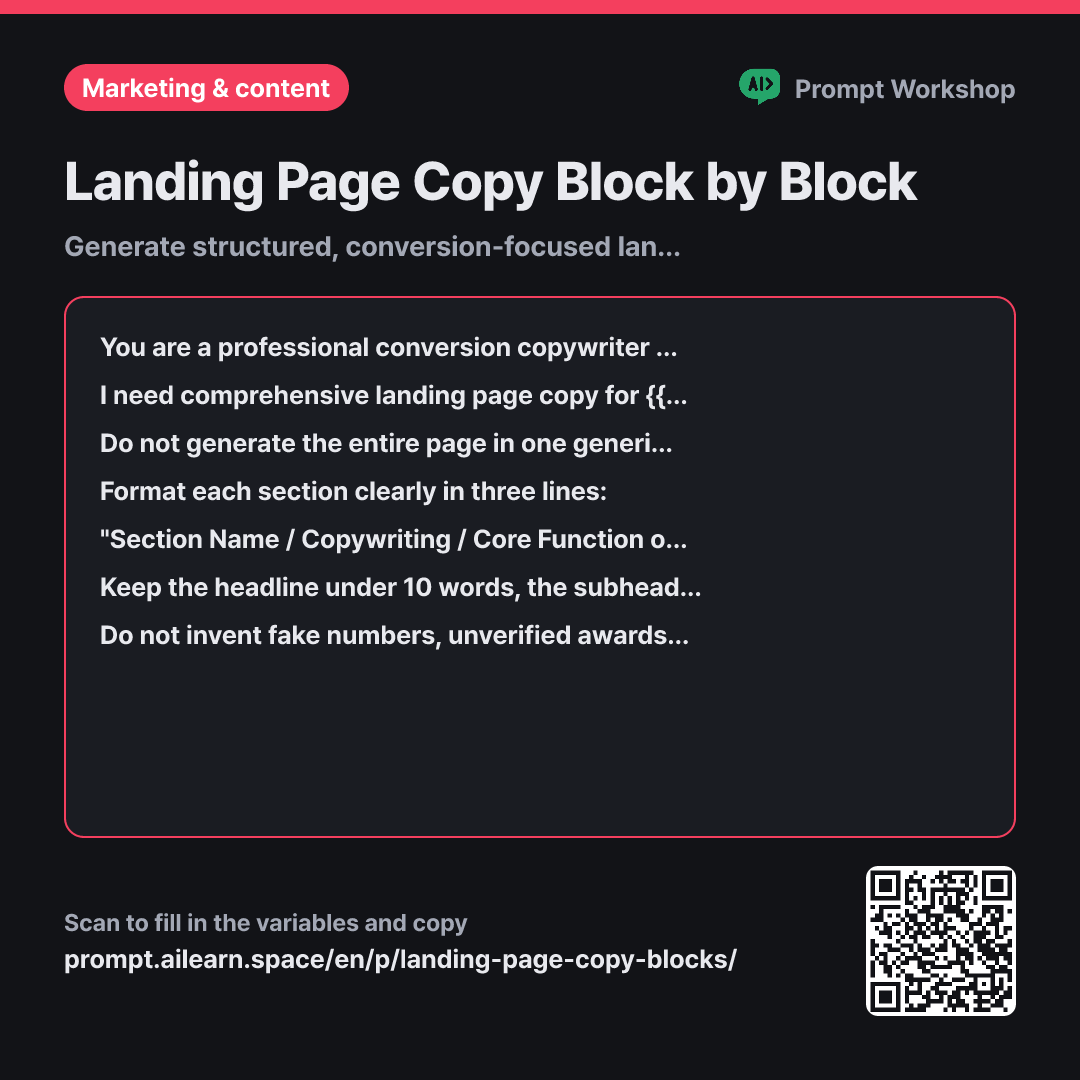
Why it is written this way
Tap a block to see its paragraph
You are a professional conversion copywriter specializing in high-converting landing pages. You understand visitor psychology and know exactly where readers hesitate as they scroll down a page.
I need comprehensive landing page copy for {{service item}}. The target audience visiting this page is {{target audience persona}}, and our core value proposition is {{core business value}}. The primary conversion goal is to get visitors to {{call to action}}.
Do not generate the entire page in one generic block. Fill out the copy sequentially from top to bottom across these 7 distinct sections: ① Main Headline ② Subheadline ③ Core Problem / Pain Points ④ 3-Part Solution ⑤ Social Proof & Credibility ⑥ 3 Frequently Asked Questions (FAQs) ⑦ Final Call-to-Action & Button Copy.
Format each section clearly in three lines: "Section Name / Copywriting / Core Function of this Section" Keep the headline under 10 words, the subheadline under 20 words, and ensure other sections do not exceed 3 lines per point. Provide two punchy CTA button variations (under 4 words each).
Do not invent fake numbers, unverified awards, customer stats, or unmentioned features—mark them as [Proof Needed] instead. Avoid generic marketing jargon; write in the everyday voice of {{target audience persona}}. If a phrase is repeated across two sections, rewrite the latter with fresh wording.
- Role Who answers ×1
- Material What the AI needs to know ×1
- Work What to do, and how ×1
- Output What comes back, in what shape ×2
When you prompt AI with a vague request like "Write landing page copy," you usually get a decent headline followed by superficial, thinning content further down the page. Crucial middle sections like problem agitation or FAQs get condensed into single lines, and the bottom conversion zone defaults to a generic "Get Started Now." If you ask for everything at once, the model exhausts its creative focus on the opening screen.
Read the full explanation · 4 paragraphs
Setting the Role as a web copywriter shifts the output style from dense editorial paragraphs to visual, screen-friendly blocks. It injects the rhythm needed for skimming and scrolling visitors. In the Context paragraph, defining the target audience and value proposition anchors the messaging, preventing generic marketing clichés that could belong to any competitor.
Setting a structured 7-part Step sequence is the core of this prompt. It prevents the model from skipping high-friction blocks like social proof and FAQs, forcing every section to do its specific job.
Adding the "Core Function of this Section" to the Format provides an objective evaluation standard. Instead of arguing over subjective taste when revising headlines, you can judge whether it succeeds in its functional goal (e.g., "clarifying what the product is within 3 seconds"). Strict length constraints also ensure the copy fits real UI design components without requiring painful trims later.
Finally, the Constraint requiring [Proof Needed] placeholders protects you from accidentally publishing fabricated statistics or non-existent features.
Unfamiliar terms? See Aha AI: role-prompting, output-format
Compared with a bad example
Write landing page copy for my service. It's an appointment scheduling app for small business owners.
This results in a single headline, a generic description paragraph, and a standard "Get Started" button. It lacks the persuasive architecture showing why visitors should act now or why they can trust the product, leaving large structural gaps when designing the actual page.
Variations
Brainstorming Multiple Headline Angles
Headlines are the highest-leverage element on a landing page and can be tested without redesigning the whole page. Categorizing by strategy makes it much easier to select the right direction.
Show prompt
Generate 8 landing page headline variations for {{service item}}. The audience is {{target audience persona}}, and the core value proposition is {{core business value}}.
Group them into 4 distinct strategic angles (2 headlines each): ① Stating the problem directly ② Highlighting the ultimate outcome ③ Emphasizing speed or measurable metrics ④ Overturning a common misconception. Keep each headline under 10 words, and add a one-line explanation of which visitor segment it appeals to best.
Auditing and Optimizing an Existing Page
Auditing existing copy to identify non-performing blocks is often faster and more effective than a full redesign. This prompt establishes clear priorities for optimization.
Show prompt
Below is the current copy from the landing page for {{service item}}. The target audience is {{target audience persona}}, and the goal is to drive {{call to action}}.
Instead of rewriting everything from scratch, audit the copy block by block. Organize your analysis into a table with columns: "Section Role · Does Current Copy Achieve It? · Suggested 1-Line Rewrite". Conclude by selecting the top two highest-priority blocks that need immediate revision.
Model notes
Generating all seven blocks at once may make the later sections brief. Request the FAQ and CTA blocks separately if needed.
Generating all seven blocks in a single turn may cause the model to rush through the lower sections. For optimal depth, you can request the FAQ and final CTA blocks separately. Because LLMs struggle with strict character limits, always verify the final headline lengths manually.
Last updated 2026-09-02 · Found a mistake? Let us know