 Prompt Workshop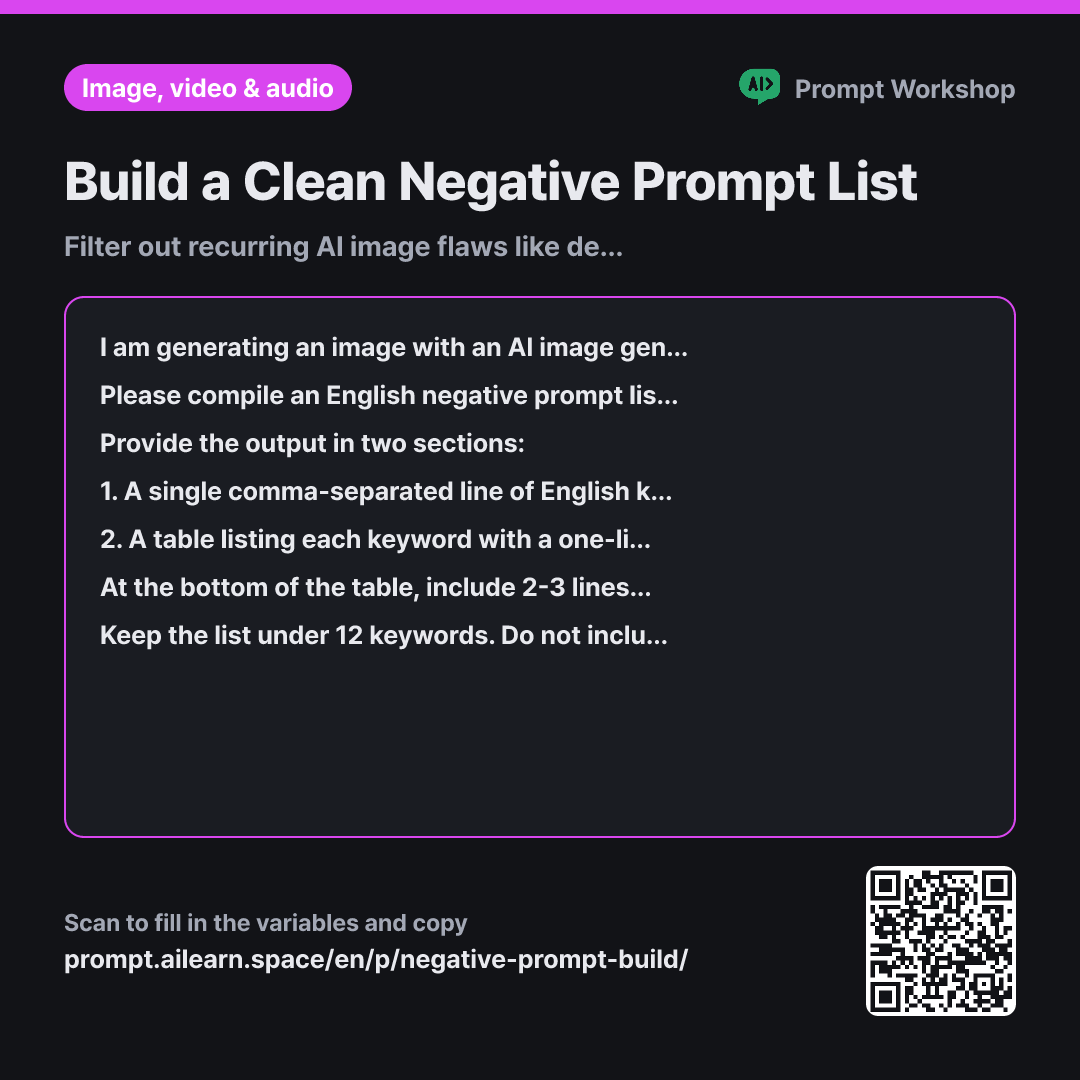
Why it is written this way
Tap a block to see its paragraph
I am generating an image with an AI image generator. The image I want to create is "{{target image description}}". In my previous attempts, the {{problem area}} consistently turns out distorted.
Please compile an English negative prompt list of unwanted elements for this image. Include terms targeting both the current issue and common artifacts typical of this subject. Each term must be an exact noun or noun phrase of the element to avoid; do not use negation phrases like "no", "without", or "never".
Provide the output in two sections: 1. A single comma-separated line of English keywords ready to copy and paste. 2. A table listing each keyword with a one-line explanation of what artifact it prevents. At the bottom of the table, include 2-3 lines of advice on how to adjust the main prompt composition if the negative prompt alone is insufficient.
Keep the list under 12 keywords. Do not include real people, brands, or specific artist names. Exclude terms that conflict with the intended composition (e.g., if hands must be visible, do not exclude hands entirely).
- Material What the AI needs to know ×1
- Work What to do, and how ×1
- Output What comes back, in what shape ×2
A common mistake with negative prompts is putting exclusion terms directly into the main prompt. Writing "without signs or text" causes the AI to latch onto the words "signs" and "text", often filling the image with even more gibberish writing. AI ignores negations and draws the nouns. Unwanted elements must live in a separate exclusion list.
Read the full explanation · 3 paragraphs
The task addresses both immediate visible flaws and potential artifacts typical of the genre. Character art frequently suffers from mutated hands and misaligned pupils, while shop scenes struggle with garbled logos. Generating a targeted list handles both upfront.
The format separates the actionable output from the reference guide. The top line is ready for tool input, while the table explains the rationale behind each token. Understanding the purpose of each keyword prevents bloated negative lists that inadvertently strip desired elements from the scene.
The constraints limit the list to 12 keywords, which is critical. Excessively long negative prompts dilute the model's attention and degrade overall image quality and detail.
Unfamiliar terms? See Aha AI: prompt, output-format
Compared with a bad example
I want to draw a cafe barista illustration, write me a prompt so the fingers don't look weird.
This prompt often yields main prompt suggestions like "with perfect hands, no deformed fingers". Mentioning hands in this manner draws the generator's focus directly to them, often worsening the distortion. It also mixes positive and negative instructions into a single block, making it difficult to debug or adapt for tools that have dedicated negative prompt fields.
Variations
When text and signs keep distorting
AI image models generally struggle with consistent typography. Reframing the composition to remove the need for text yields much more reliable results than forcing sharp lettering.
Show prompt
Text and shop signs keep rendering as garbled artifacts in "{{target image description}}". Instead of trying to force legible text, help me adjust the composition so text is unnecessary. Suggest 3 alternative props, 3 camera angles that naturally hide signage, and 3 negative keywords to exclude text artifacts, along with a brief explanation for each.
Trimming an oversized negative prompt
Negative prompts tend to accumulate unnecessary tokens over time. Stripping away irrelevant keywords restores the model's focus on the essential visual details.
Show prompt
My current negative prompt list has grown too long, causing the generated images to look washed out and blurry. The intended image is "{{target image description}}". Please review the list below, keep only the terms that meaningfully impact this specific subject, and remove the rest. Present the kept and removed keywords in separate sections with a brief reason for each removal. Limit the final list to no more than 8 keywords.
Model notes
Some tools provide a dedicated negative prompt box, while others use a single input field. In tools without negative fields, avoid appending the list directly to the prompt; instead, adjust the camera angle and composition based on the suggestions to keep problem areas out of frame.
Last updated 2026-09-02 · Found a mistake? Let us know