 Prompt Workshop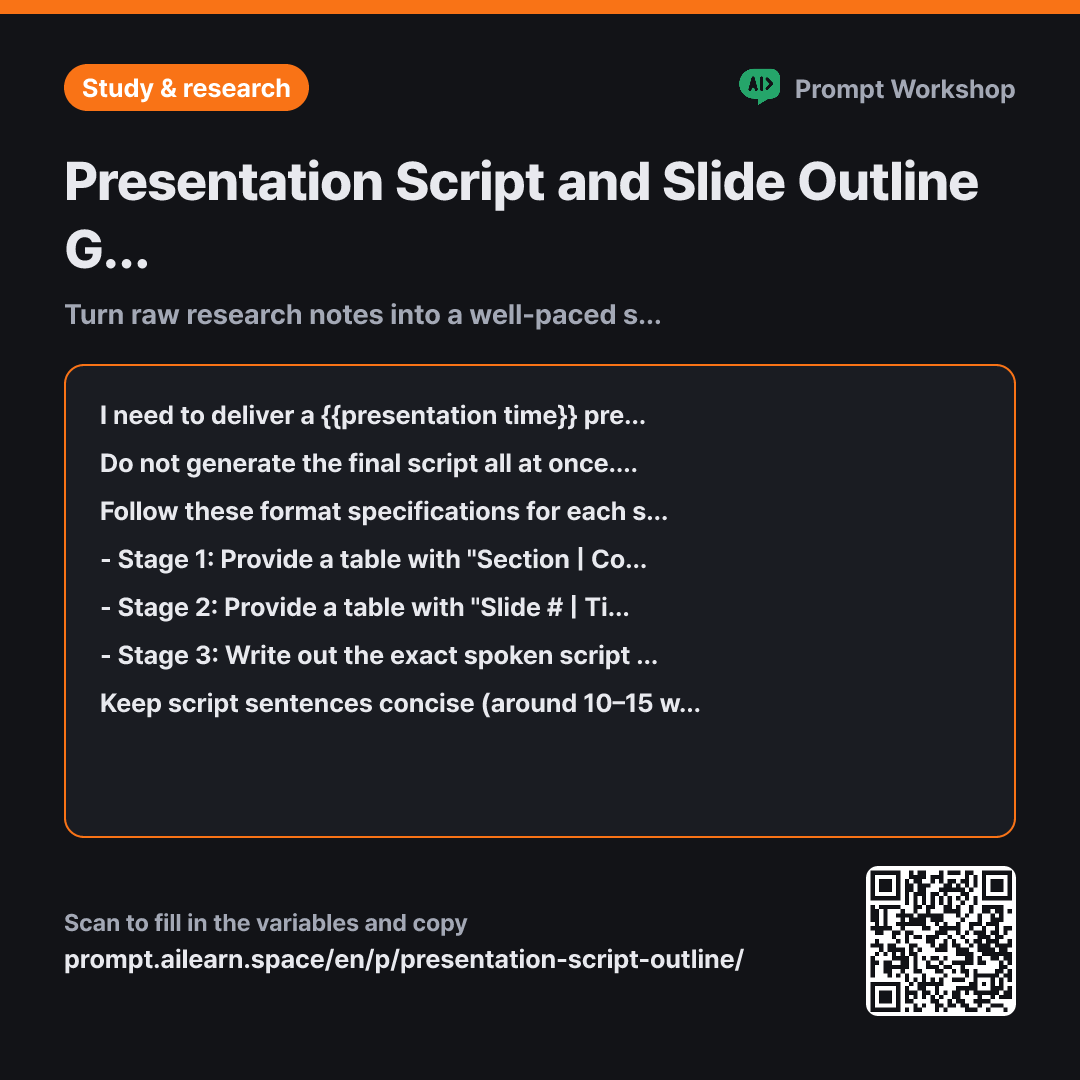
Why it is written this way
Tap a block to see its paragraph
I need to deliver a {{presentation time}} presentation on "{{presentation topic}}" in front of {{target audience listener}}. Below is my raw research detail content, which is unorganized. The audience is hearing about this topic for the first time, and there will be a Q&A session at the end.
Do not generate the final script all at once. Please proceed strictly in three separate stages: Stage 1 is the overall narrative flow, Stage 2 is the slide outline, and Stage 3 is the spoken script. Stop after each stage and wait for my review and feedback. Only move to the next stage when I say "Next".
Follow these format specifications for each stage: - Stage 1: Provide a table with "Section | Core Message in One Sentence | Allocated Time" (maximum 5 sections total). - Stage 2: Provide a table with "Slide # | Title | Key Content Points | Visual Aid/Graphic Idea" (do not exceed 1 slide per minute of presentation time). - Stage 3: Write out the exact spoken script slide by slide.
Keep script sentences concise (around 10–15 words per sentence) since they are meant to be spoken aloud. Do not fabricate statistics, facts, or case studies not found in my research; mark any unverified claims as "[Verify Source]". For visual aids, only describe what type of visual is needed without inventing fake charts.
Research Notes: """ {{research detail content}} """
- Material What the AI needs to know ×2
- Work What to do, and how ×1
- Output What comes back, in what shape ×2
If you ask an AI to generate a presentation script in a single shot, it usually dumps 15 slides and a wall of text. While it looks convincing on screen, it falls apart during practice because the transitions feel unnatural. Slides created without an agreed-upon narrative flow lack cohesive progression from one point to the next.
Read the full explanation · 3 paragraphs
This prompt breaks the task into three sequential stages: Flow → Slides → Script. If the foundation is flawed, polishing the script later is useless. Halting after each step allows you to reorder, add, or cut sections in the Stage 1 table before slides and scripts are generated. For group projects, this checkpoint ensures all team members align on the structure.
Setting clear Context drastically improves quality. Audience familiarity dictates how long the introduction should be, while mentioning a Q&A reminds the AI to reserve time at the end. Specifying that both a professor and students are present helps calibrate the technical depth of vocabulary.
Constraints in the Format instructions—such as "maximum 1 slide per minute" and short spoken sentences—prevent excessive slide counts and dense, literary prose. Concise lines allow presenters to glance at cues naturally rather than reading a rigid script verbatim.
Unfamiliar terms? See Aha AI: context-window, output-format
Compared with a bad example
Make a 10-minute presentation script using this material.
(Pasted research notes)
Generating slides and full scripts simultaneously makes it difficult to edit the core structure. The AI often dumps facts in the order they were provided, resulting in stiff, written-style sentences that cause the speaker to run over the time limit.
Variations
When the Script Runs Too Long
Asking for the reasoning before the trimmed text prevents essential arguments from being accidentally removed.
Show prompt
When practicing the {{presentation time}} script we created, it exceeds the time limit. Instead of trimming everything evenly, cut out sections that {{target audience listener}} can do without. Show me a table first detailing what was removed and why, followed by the condensed script. Do not shorten the conclusion.
""" {{research detail content}} """
For Multi-Speaker Group Presentations
Group presentations frequently stumble during speaker handoffs. Scripting explicit transition lines ensures seamless continuity.
Show prompt
Four presenters will divide the presentation on "{{presentation topic}}". Within the total {{presentation time}}, divide sections among the speakers and provide a table with "Presenter | Slide # | Main Talking Points | Transition Line from Previous Speaker". Ensure the transition line flows naturally from the previous speaker's closing remark.
""" {{research detail content}} """
Last updated 2026-09-02 · Found a mistake? Let us know