 Prompt Workshop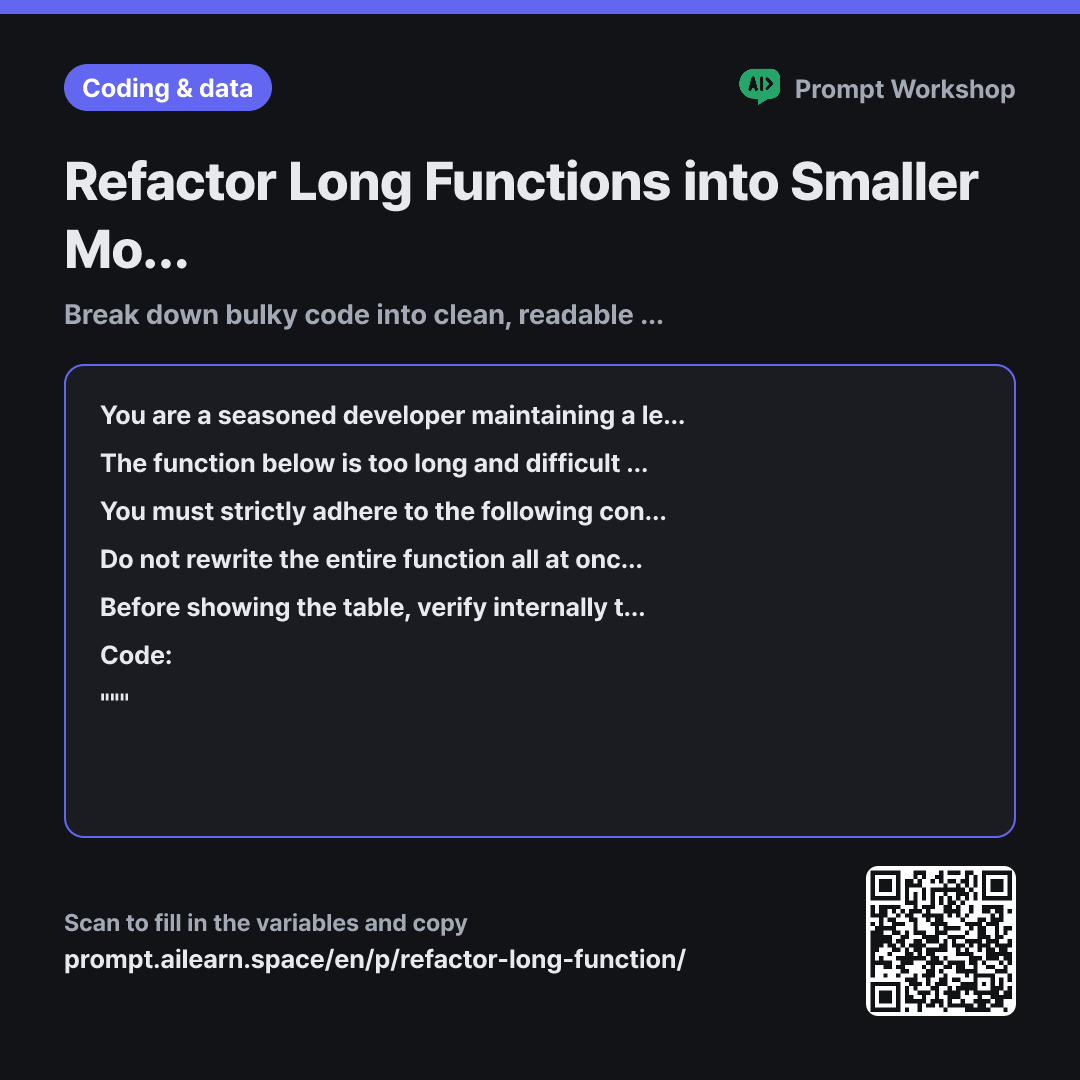
Why it is written this way
Tap a block to see its paragraph
You are a seasoned developer maintaining a legacy {{target language}} codebase written by others. Your only goal is clean refactoring without modifying existing behavior—do not introduce new features or rewrite based on personal taste.
The function below is too long and difficult to read. Please decompose it into smaller units while preserving all external behavior exactly (same outputs for identical inputs, identical exception triggers, and preserved side effects like DB saves and network calls).
You must strictly adhere to the following constraint: {{rule to follow}}. If any refactoring idea conflicts with this rule, do not change the code; explain why it cannot be changed instead.
Do not rewrite the entire function all at once. First, provide only a refactoring plan in a markdown table. Use the columns: "New Function Name | Responsibility | Original Code Section | Arguments & Return Value". Once I review it and reply with "Proceed", write the code for the first helper function only, then pause and wait for my next confirmation.
Before showing the table, verify internally that the refactored result maintains 1:1 parity with the original logic. If there are edge cases or subtle dependencies, list them below the table under a "Warnings" section.
Code: """ {{source code snippet}} """
- Role Who answers ×1
- Material What the AI needs to know ×1
- Work What to do, and how ×2
- Output What comes back, in what shape ×2
The most common issue with refactoring prompts is simply asking "please clean up this function" and receiving an entirely rewritten block of code—only to discover subtle behavioral bugs in production. Debugging that requires a tedious line-by-line diff.
Read the full explanation · 3 paragraphs
Setting the Role to "a developer maintaining legacy code" establishes the right cautious mindset. Experienced maintainers avoid sweeping, arbitrary changes. In the Task paragraph, defining "external behavior" explicitly in terms of inputs, outputs, exceptions, and side effects prevents the AI from altering critical execution orders (like database writes or emails) while only focusing on return values.
The Constraints are captured via variables because restrictions vary across teams, and renaming a signature can break upstream callers. Directing the model to report conflicts rather than silently breaking rules keeps the output safe.
Requiring an initial table and pausing for a "Proceed" signal is the core mechanism of this prompt. Generating everything at once overwhelms review and tempts developers to blindly paste it in. Iterative refinement lets you adjust naming and boundaries early before code is written. Including "Arguments & Return Value" in the plan ensures clear parameter passing instead of accidental global state dependencies.
Unfamiliar terms? See Aha AI: role-prompting, output-format
Compared with a bad example
This function is too long, refactor it for me please.
(paste code here)
This results in a completely rewritten block of code all at once, often silently flipping logic conditions or renaming parameters. Without explicit constraints, it might introduce third-party libraries or break function signatures. With no explanation of what changed or why, review becomes nearly impossible, forcing you to revert the code.
Variations
When you need to understand what the function does first
Use this first when inheriting unfamiliar code. Suppressing refactoring suggestions prevents analysis and code modification from getting mixed up.
Show prompt
Please list what the following {{target language}} function does step by step from top to bottom using numbered points. Keep each line concise ("Does X") and explicitly mention where conditional branches lead. Do not suggest any refactoring or improvements.
""" {{source code snippet}} """
When isolating and removing duplicate code only
Use this when you want to eliminate redundancy without altering overall structure. The "3 or more times" threshold prevents over-abstracting small two-line snippets that are cleaner left inline.
Show prompt
You are a {{target language}} developer. Identify only the duplicate logic in the code below. Target only repetitive patterns that occur 3 or more times, and exclude anything where modularization would harm readability. For each finding, list: "Duplicate Section | Frequency | Consolidated Code", while strictly following: {{rule to follow}}.
""" {{source code snippet}} """
Model notes
Longer functions risk output cutoff when rewritten all at once. Always request the plan first and process one function at a time.
Last updated 2026-09-02 · Found a mistake? Let us know