 Prompt Workshop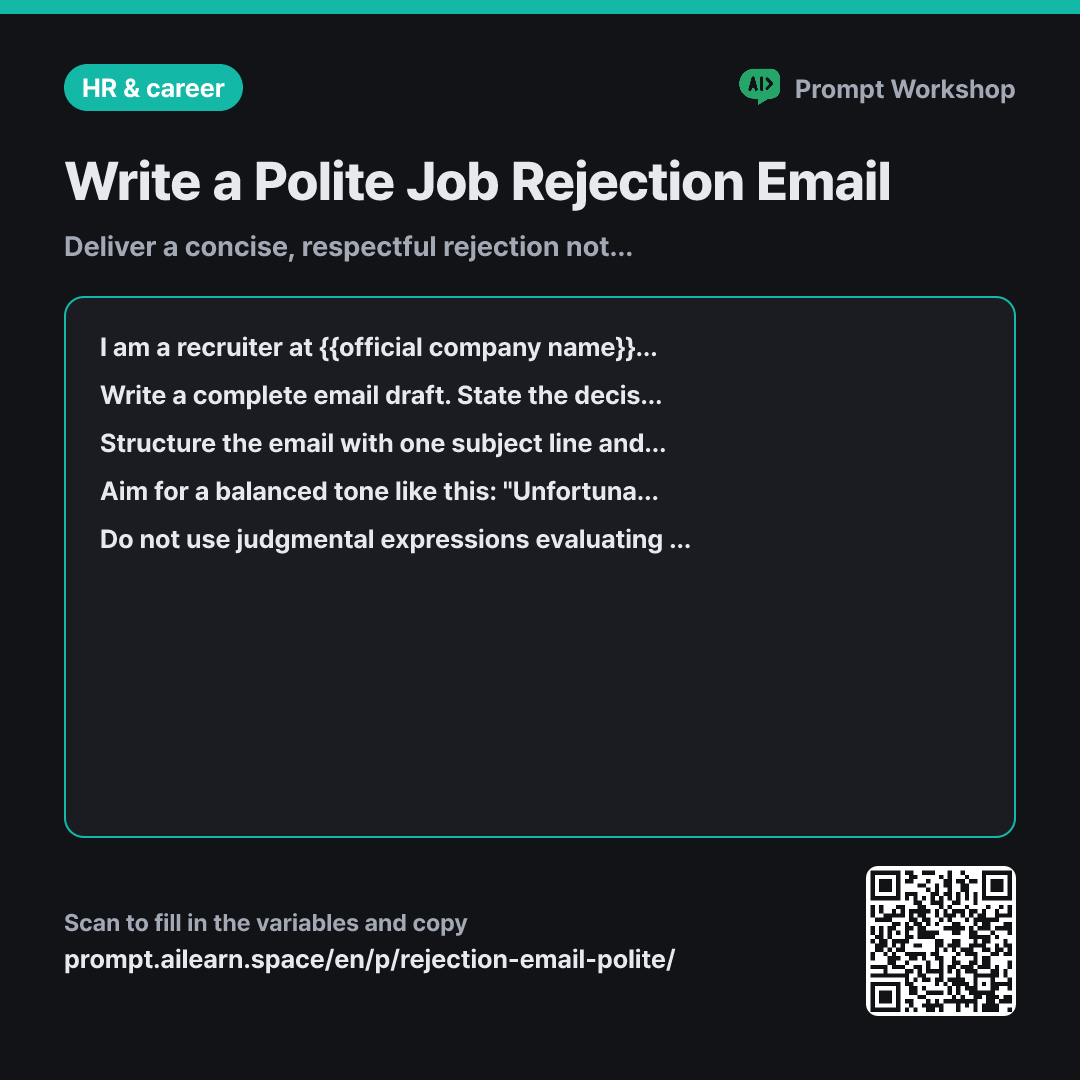
Why it is written this way
Tap a block to see its paragraph
I am a recruiter at {{official company name}}. Please write an email notifying a candidate that we will not be moving forward with them following the {{selection process stage}}. The candidate invested time preparing, and their lasting impression of our company depends on this email. The tone for this notification should be {{guide tone}}.
Write a complete email draft. State the decision clearly near the beginning, thank them for their interest and effort, and provide practical next-step information. Do not include individualized rejection reasons.
Structure the email with one subject line and exactly three short paragraphs. The first paragraph delivers the decision clearly, the second expresses gratitude with a brief closing, and the third provides details on re-applying or staying updated on future openings. Keep the entire email to around 120-150 words. Ensure the subject line clearly mentions {{official company name}} and that this is an application status update.
Aim for a balanced tone like this: "Unfortunately, we have decided not to move forward with your application following the {{selection process stage}}" is appropriate. In contrast, avoid judgmental phrasing such as "You did not meet our talent profile and thus were rejected." Instead of vague platitudes like "We wish you the best in your future endeavors," conclude with practical guidance the company can genuinely offer.
Do not use judgmental expressions evaluating the person, such as "did not fit our culture" or "lacked the required capabilities." Avoid overly emotional or lengthy comfort lines, and do not use euphemisms that obscure the decision. Avoid making non-committal promises about future openings. Use [Candidate Name] and [Job Title] as placeholders where personalized details belong.
- Material What the AI needs to know ×2
- Work What to do, and how ×1
- Output What comes back, in what shape ×2
A common mistake when drafting rejection emails is writing excessively long messages out of guilt. Overly detailed justifications prompt candidates to dispute the decision or write back asking for granular feedback. Conversely, an overly curt, robotic email damages the company brand and harms future hiring efforts. This prompt finds the ideal middle ground.
Read the full explanation · 3 paragraphs
In the first paragraph, the Context sets the emotional temperature. Sending the same generic rejection to a first-round applicant and a final-round finalist feels disrespectful; specifying the stage and tone guides the model to calibrate its warmth and weight appropriately. Under Task, explicitly barring individualized reasons prevents awkward phrasing while keeping the decision upfront so the reader is not left guessing. The Format constraint requiring three paragraphs and a concise word count enforces structure: if gratitude comes first, the candidate has to read two whole paragraphs before discovering the outcome.
Paragraph four provides concrete Examples of desired versus prohibited phrasing. Supplying paired contrastive examples produces far more consistent results than vague instructions like "make it polite," which often result in stiff, archaic corporate speak.
Finally, Constraints prevent evaluative statements that frame company decisions as personal deficiencies. Placeholder brackets like [Candidate Name] and [Job Title] reduce operational errors when sending emails in bulk.
Unfamiliar terms? See Aha AI: few-shot, output-format
Compared with a bad example
Write a polite rejection email for a job candidate.
This prompt often generates awkward, clunky lines like: "Despite your outstanding qualifications, you did not match our ideal profile, so we regret to inform you that we cannot move forward." Blending high praise with rejection confuses candidates, while standard corporate fluff makes the message unnecessarily long. Lacking stage context and re-application guidance, the output requires extensive manual editing.
Variations
For Final-Round Candidates
Finalists deserve more acknowledgment than applicants rejected at the resume stage. This variant adjusts the length and guidance to honor the candidate's time commitment.
Show prompt
Write a rejection notification for a candidate who reached the final interview stage at {{official company name}}. Acknowledge the substantial time and effort they dedicated through multiple rounds, but do not include individual performance evaluations. Write four short paragraphs, using the third paragraph to explain how they can be contacted first when relevant roles reopen. Use a {{guide tone}} tone and keep the email around 180 words.
For Mass Batch Notifications
Sending batch notifications often leads to name-mismatch errors. Pairing a clear template with a pre-flight checklist prevents costly mistakes.
Show prompt
We need to send {{selection process stage}} outcome emails to multiple candidates at once for {{official company name}}. Provide an email template where only key candidate details need to be swapped, using [Candidate Name], [Job Title], and [Application Date] as placeholders. Below the email template, include a concise 3-item pre-send checklist to prevent email merge errors.
Last updated 2026-09-02 · Found a mistake? Let us know