 Prompt Workshop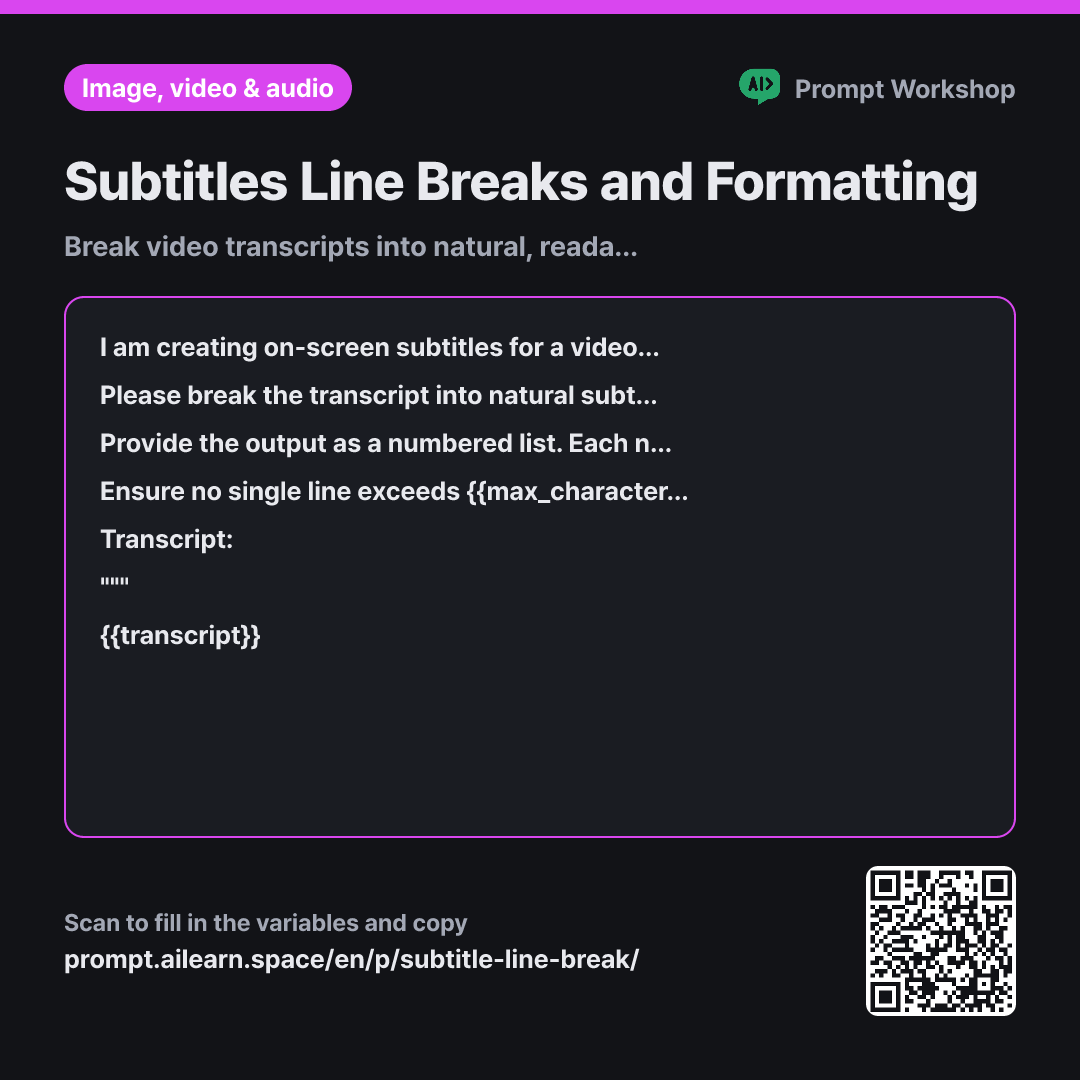
Why it is written this way
Tap a block to see its paragraph
I am creating on-screen subtitles for a video. Below is the transcript of what is spoken. Subtitles will appear near the bottom of the screen with a maximum of two lines per screen. Each line must not exceed {{max_characters_per_line}} characters.
Please break the transcript into natural subtitle units. Do not split lines based solely on character count; break them by meaningful semantic chunks (natural grammatical phrases). Keep subject-verb and modifier-noun pairs on the same line whenever possible, and avoid starting a new line with prepositions or conjunctions. Do not paraphrase or summarize—only split the exact text.
Provide the output as a numbered list. Each numbered item represents one on-screen subtitle block (up to 2 lines). For two-line subtitles, include a line break between them and indicate the character count per line at the end in parentheses, e.g., (28 chars / 24 chars).
Ensure no single line exceeds {{max_characters_per_line}} characters. Omit trailing periods at the ends of sentences (use the subtitle break itself as the separator), but retain question marks and exclamation marks. Remove ellipses and parentheses. Do not add words that are not in the transcript, and clean up filler words (um, uh, you know) unless removing them alters the core meaning.
Transcript: """ {{transcript}} """
- Material What the AI needs to know ×2
- Work What to do, and how ×1
- Output What comes back, in what shape ×2
When you ask AI to format subtitles, it often cuts lines purely by character count. This results in awkward breaks—like cutting mid-phrase—leaving the viewer confused and unable to keep up with the video.
Read the full explanation · 3 paragraphs
The task specifies semantic chunking rather than rigid mathematical splitting. Enforcing rules like keeping phrases intact and avoiding weak line starters dramatically boosts readability. Stating "do not paraphrase" is crucial because any summary causes audio-subtitle desynchronization.
The format requests line-by-line character counts so you can spot overflow instantly without manual counting, making it easy to paste into video editing software.
The constraints reflect standard subtitling conventions: omitting periods, removing clutter like ellipses, and preserving exact wording. Wrapping the input in """ prevents spoken conversational phrases from being confused with prompt instructions.
Unfamiliar terms? See Aha AI: output-format, prompt
Compared with a bad example
Split this video transcript into subtitles with 32 characters per line. (Transcript)
Specifying only a character limit produces mechanical breaks mid-word or mid-phrase. Without explicit rules against summarization, the AI often paraphrases spoken text, ruining sync with the audio track.
Variations
Refining Timed Subtitle Files (SRT)
Auto-generated subtitles often have accurate timestamps but terrible line breaks. This preserves timing while fixing readability.
Show prompt
I want to clean up an existing subtitle file. Below is the content containing sequence numbers, timestamps, and subtitle text. Please keep all sequence numbers and timestamps untouched, and only adjust the subtitle text lines so they break naturally by semantic phrase. Maximum {{max_characters_per_line}} characters per line, up to 2 lines per subtitle block. If any subtitle contains too much text to read comfortably within its timestamp duration, flag it with a note.
Subtitle File: """ {{transcript}} """
Technical or Educational Lectures
Prevents technical terms from being split awkwardly and compiles glossaries for on-screen graphics.
Show prompt
Below is a lecture transcript containing specialized terminology. Break it into natural subtitle units ensuring technical terms and proper nouns are never split across line breaks. Each line must stay within {{max_characters_per_line}} characters. After the subtitle list, extract any key terms introduced for the first time along with a concise one-line definition suitable for an on-screen title card.
Transcript: """ {{transcript}} """
Model notes
Optimal character limits depend on aspect ratio and typography. For vertical videos (Reels, TikTok, Shorts), aim for shorter line lengths (20–25 characters) compared to widescreen videos (32–37 characters). When editing auto-generated captions, never alter timestamps to ensure precise audio sync.
Last updated 2026-09-02 · Found a mistake? Let us know