 Prompt Workshop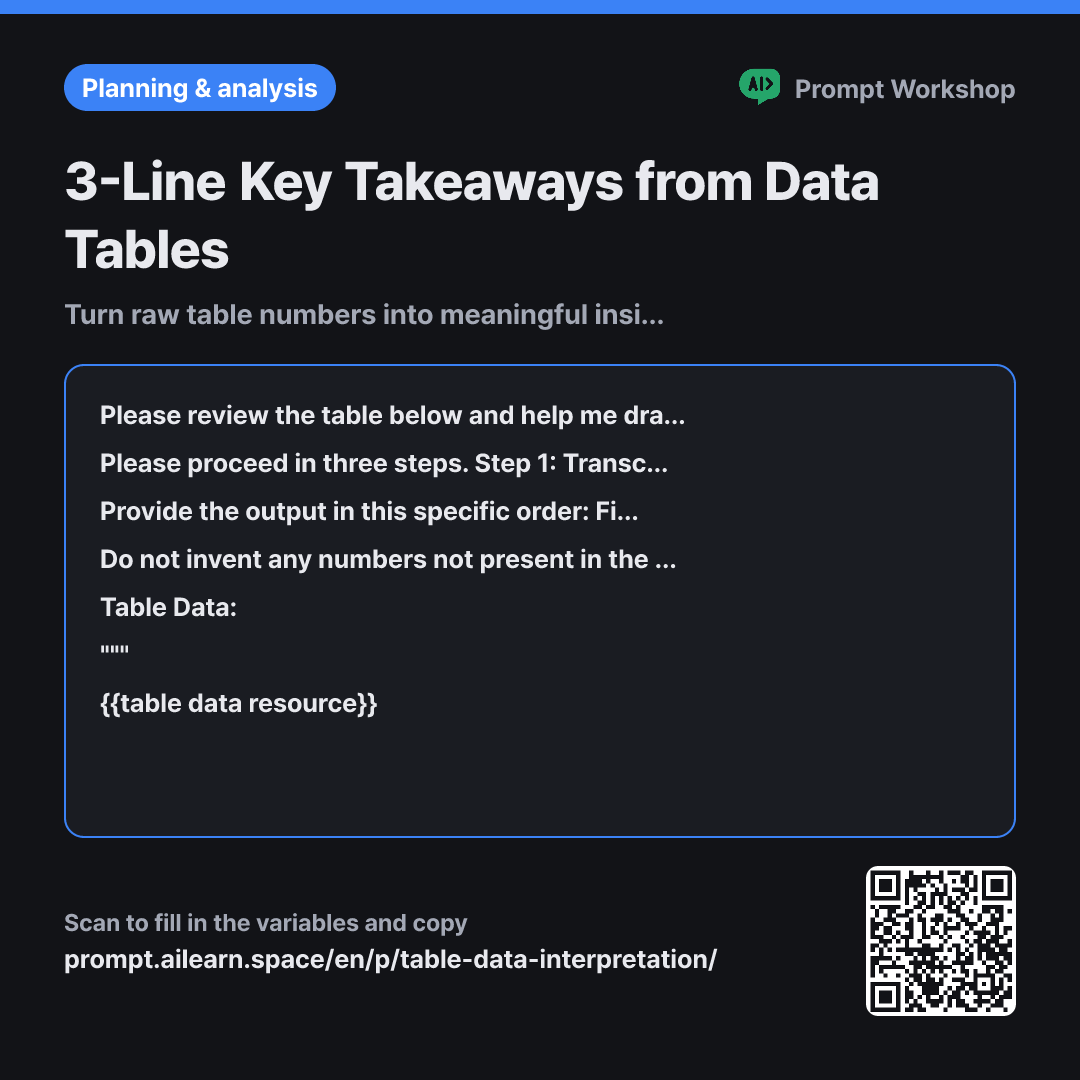
Why it is written this way
Tap a block to see its paragraph
Please review the table below and help me draw conclusions. I am reviewing this table to {{viewing purpose}}, and I want to see how the numbers have shifted compared to {{comparison criterion}}.
Please proceed in three steps. Step 1: Transcribe up to five prominent changes from the table along with their exact values. Step 2: Compare each change against {{comparison criterion}}, calculate the variance, and show the exact calculation formula. Step 3: Summarize the key takeaways in exactly three lines using only what was written in Steps 1 and 2.
Provide the output in this specific order: First, an "Identified Changes" table (Columns: Metric · Current Value · Comparison Value · Variance · Formula), followed by "Key Takeaways" in 3 lines, and finally "Next Steps" in 2 lines. Ensure key takeaways are strictly three lines, with each line under 60 characters.
Do not invent any numbers not present in the table. When explaining reasons for changes, rely only on evidence found inside the table; if an external reason must be assumed, append "(Speculation)" at the end of the sentence. If there are empty values or inconsistent units, point them out immediately instead of skipping them.
Table Data: """ {{table data resource}} """
- Material What the AI needs to know ×2
- Work What to do, and how ×1
- Output What comes back, in what shape ×2
If you paste a table and simply ask "analyze this," the AI usually returns repetitive sentences stating the numbers. You get ten lines like "June had 1,240 signups and July grew to 1,310," which anyone reading the table already knows. A data analysis prompt should not just repeat values; it must narrow down what those values actually mean.
Read the full explanation · 3 paragraphs
This is why the second paragraph breaks the work into three steps: transcribe changes, compute variances, and only then interpret. Requiring explicit formulas is crucial. When a model jumps straight to conclusions, it tends to use dramatic words like "surged significantly" when the actual increase is only 3%. Forcing calculations first prevents exaggerated claims.
In the third paragraph, the format constraints lock the takeaways to exactly three lines. Leaving the count open causes the model to list ten generic observations, leaving the human to sift through what matters. A three-line cap forces prioritization. The two lines of "Next Steps" ensure the analysis transitions into real action.
In the fourth paragraph, the constraints requiring "(Speculation)" prevent the most common pitfall in spreadsheet interpretation. If a table only shows conversion rates and the model adds "likely due to seasonal summer slump," the reader cannot tell if that comes from data or guesswork. Wrapping the table in """ ensures column headers are treated strictly as reference data, not instructions.
Unfamiliar terms? See Aha AI: output-format, hallucination
Compared with a bad example
Analyze this table for me.
(Pasted table from Excel)
You get a literal, row-by-row narrative description. The numbers are accurate, but without highlighting which shifts matter, you end up having to re-read the table yourself. Without explicit calculations, vague adjectives like "slight bump" or "sharp drop" appear, mixed with baseless assumptions about seasonality or competitors. Using this in a report makes it impossible to verify data sources later.
Variations
When answering executive questions quickly
This strips out tables and heavy formatting, leaving just three concise sentences. Ideal when you need quick answers during a meeting.
Show prompt
Please review the table below and provide only the answers needed to {{viewing purpose}} in exactly three sentences. The first sentence must be the conclusion, the second sentence the comparison numbers and calculation relative to {{comparison criterion}}, and the third sentence what remains unverified. Do not include anything outside the table.
""" {{table data resource}} """
When screening for anomalies first
Use this when data validation is needed before interpretation. Correcting flagged values before running the main prompt ensures your conclusions are sound.
Show prompt
Please scan the table below and find potential data anomalies first. Look for values with mismatched digits compared to other rows, columns with mixed units, empty cells, and unexplained outliers compared to {{comparison criterion}}. List up to five suspicious values in a table, adding a one-line explanation for why each is questionable. Do not provide interpretation yet.
""" {{table data resource}} """
Model notes
If the pasted table's columns appear misaligned, add a line: "Please re-render this table as a markdown table before starting." Copying from spreadsheets often turns tabs into spaces, causing alignment shifts.
Last updated 2026-09-02 · Found a mistake? Let us know