 Prompt Workshop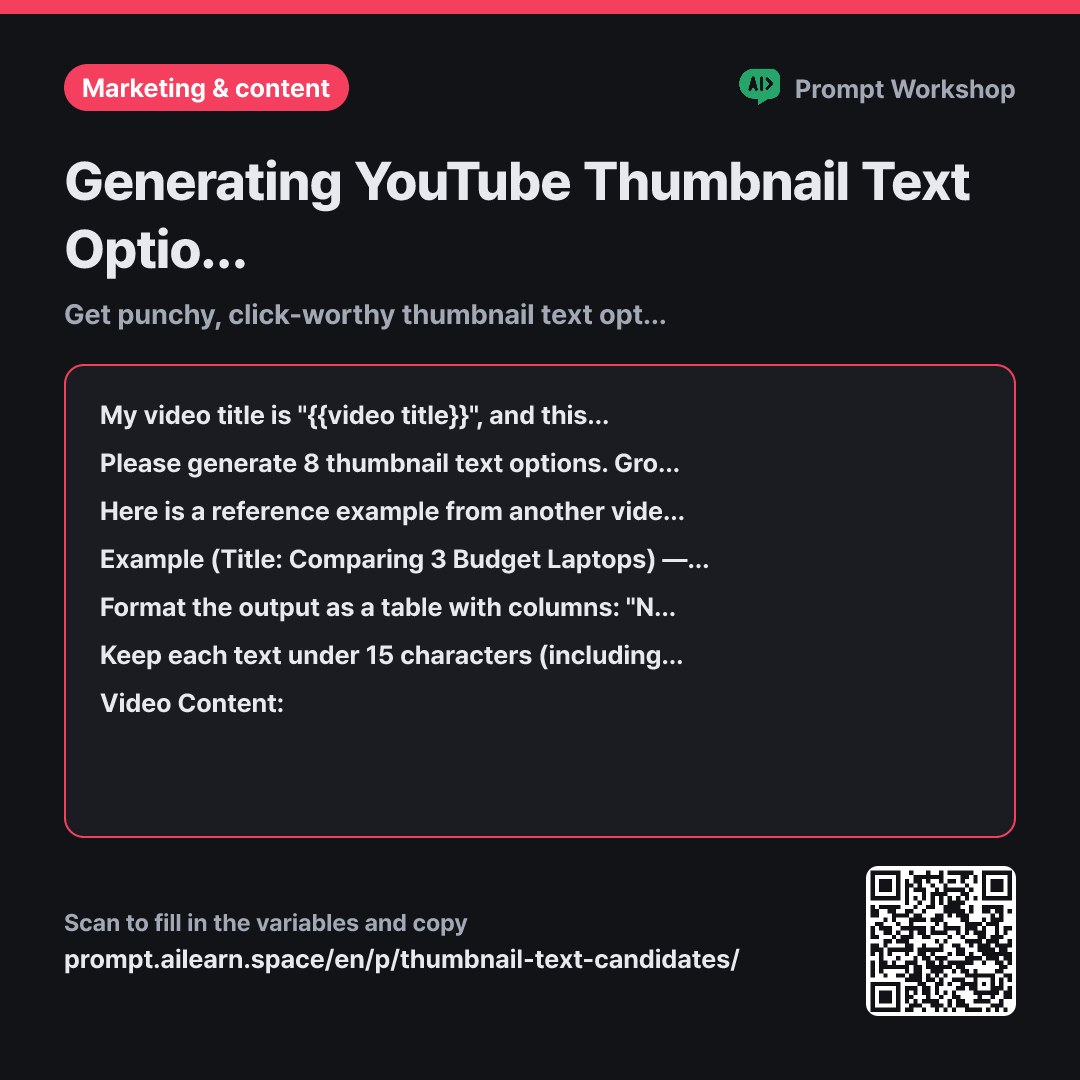
Why it is written this way
Tap a block to see its paragraph
My video title is "{{video title}}", and this title is already finalized. Since thumbnail text appears right next to the title, it must convey what the title hasn't already said.
Please generate 8 thumbnail text options. Group them into 4 distinct types, with 2 options each: numbers/results, provocative questions, myth-busters/contrarian angles, and single-word emotional hooks. Avoid repeating words that already appear in the video title.
Here is a reference example from another video. Aim for this tone and length: Example (Title: Comparing 3 Budget Laptops) — Number: "$20 Diff" / Question: "Cheaper? Really?" / Contrarian: "Pricey = Regret" / Single-word: "Mistake"
Format the output as a table with columns: "No. | Text | Type | Character Count | Combined Meaning with Title". In the last column, explain in one short sentence what message viewers get when reading the thumbnail text and title together.
Keep each text under 15 characters (including spaces) so it stays legible even on small mobile screens. Limit punctuation to at most one question mark or exclamation mark per text. Do not include unverified superlatives or claims not found in the video content.
Video Content: """ {{video content}} """
- Material What the AI needs to know ×3
- Work What to do, and how ×1
- Output What comes back, in what shape ×2
When asking for thumbnail text, AI often just provides shortened versions of the title. If your title is "What I Learned After Testing 3 Dehumidifiers for 2 Months" and the thumbnail says "Testing 3 Dehumidifiers", you are wasting valuable screen real estate by repeating the exact same message twice. It gives viewers zero additional reason to click.
Read the full explanation · 4 paragraphs
The first paragraph assigns distinct roles. By sharing the title first and stating that "it must convey what the title hasn't already said," the thumbnail text functions as a complementary hook rather than a redundant summary.
The Task paragraph asks for eight ideas split across four angles to ensure variety. Single-word hooks are often overlooked, yet on a thumbnail, a bold word like "Mistake" reads much faster from a distance than a long sentence. The Example in the third paragraph calibrates the desired length and punchiness. Simply specifying a character limit might yield dry, descriptive phrases, but seeing real examples shows the model that punchy 2- to 3-word hooks are the target.
The final column in the Format paragraph acts as a built-in quality check. Forcing the AI to explain what the title and thumbnail say when read together instantly filters out options that look cool in isolation but clash with the title.
The length and punctuation limits in the Constraints section reflect real-world design requirements. Longer text forces smaller fonts, making thumbnails unreadable on mobile devices. Wrapping the video content in """ keeps reference material cleanly separated from instructions.
Unfamiliar terms? See Aha AI: few-shot, output-format
Compared with a bad example
Suggest some YouTube thumbnail text for my dehumidifier comparison video.
Without length limits, the AI generates long phrases like "Complete Guide to Comparing Dehumidifiers". Squeezing that into a thumbnail makes the text too small to read on mobile. Without providing the title, suggestions will likely repeat words in the title and produce repetitive, generic variations.
Variations
When space is limited by a prominent subject or face
When thumbnail space is tight, focus on punchy words rather than full phrases. Character limits are tightened to ensure maximum legibility.
Show prompt
Please generate 6 thumbnail text options for the video "{{video title}}". The product photo takes up the right half of the thumbnail, leaving space for only a single line in the top-left corner. Each text must be on one line, under 10 characters (including spaces), focusing strictly on nouns and numbers without filler words. Label the target emotion for each option in one word.
""" {{video content}} """
For recurring series requiring visual consistency
For series content, using a consistent template builds instant brand recognition across your channel feed.
Show prompt
"{{video title}}" is an episode in an ongoing series with a consistent format. I want a modular thumbnail text template where only the number and keyword change each episode. Please propose 3 distinct templates and provide an example filled out for this episode. Each template must remain under 12 characters.
""" {{video content}} """
Model notes
Models often generate options that slightly exceed the character limit. After getting the table, prompt: "Select only the options that exceed the limit and shorten them." Always test the text by overlaying it on the thumbnail image and zooming out to mobile size to verify readability.
Last updated 2026-09-02 · Found a mistake? Let us know