 Prompt Workshop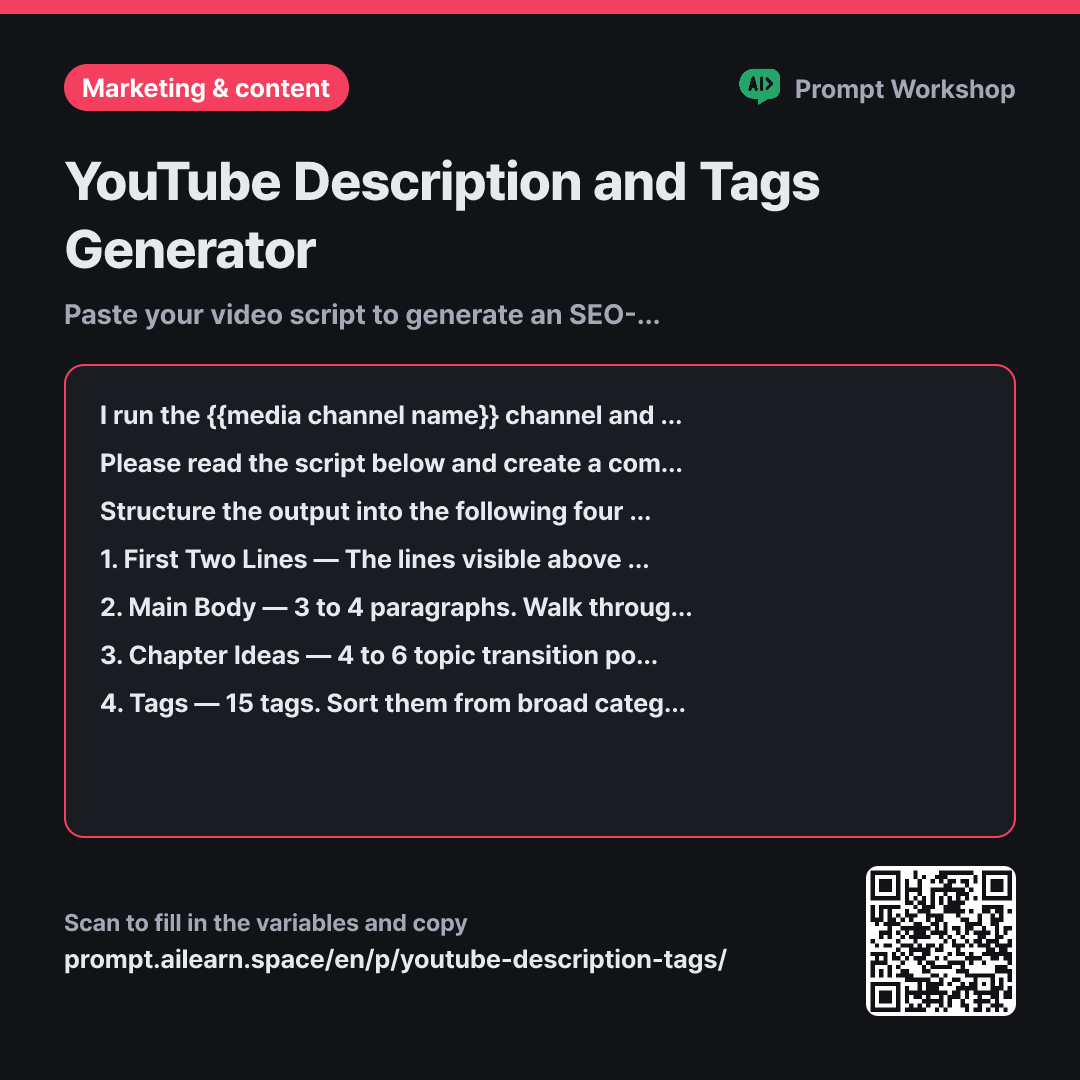
Why it is written this way
Tap a block to see its paragraph
I run the {{media channel name}} channel and need to write the description box for an upcoming video. Viewers only see the first two lines before clicking "Show more" to expand the full text.
Please read the script below and create a complete description box along with a tag list. Instead of merely summarizing the script, naturally weave in terms and search queries that potential viewers would type into the search bar.
Structure the output into the following four sections: 1. First Two Lines — The lines visible above the fold. Keep them under 80 characters combined, and make sure the very first line clearly explains what value the video delivers. 2. Main Body — 3 to 4 paragraphs. Walk through the topics covered in the video in chronological order. 3. Chapter Ideas — 4 to 6 topic transition points from the script in the format: "Title — The starting sentence of that part in the script". 4. Tags — 15 tags. Sort them from broad categories to specific niche keywords, and provide a single comma-separated line at the end.
Do not include ingredients, costs, or timeframes that are not in the script. Limit inline hashtags in the main body to a maximum of 3, and place standard call-to-actions like "Like & Subscribe" strictly on the final single line. If any detail is uncertain, do not make it up—label it as "Not in script".
Video Script: """ {{video script}} """
- Material What the AI needs to know ×2
- Work What to do, and how ×1
- Output What comes back, in what shape ×2
Writing the description box is often the most delayed step right before hitting upload. Simply asking AI to "write a description" usually returns a generic one-paragraph summary containing none of the search terms real viewers actually use. Automated YouTube description prompts fail not because of poor writing style, but because they lack structural context regarding where the text is placed.
Read the full explanation · 3 paragraphs
The context in the first paragraph sets the stage. Specifying that only the first two lines appear above the fold forces the AI to bring the most critical hook forward. Without this, you get descriptions where the main takeaway is buried in the third paragraph.
The task section explicitly demands searchable keywords rather than a simple summary for the same reason. Summaries are written for people who have already watched the video, while description boxes serve as entry points for discoverability.
The format section splits the output into four distinct blocks. Because the hook, body, chapters, and tags go into different input fields, getting them in a single blob forces you to edit manually. Sorting tags from broad to specific makes it easy to filter out redundancies. Finally, wrapping the script in """ prevents the AI from mistaking script lines like "Please subscribe" as direct instructions for itself.
Unfamiliar terms? See Aha AI: output-format, prompt-injection
Compared with a bad example
Make a YouTube description and tags for me.
(Pastes script)
This outputs a bland three-line summary and ten generic tags. The first line invariably begins with "In this video..." offering zero hook above the fold, while tags end up filled with generic terms like "cooking, food, vlog". With no chapter markers included, longer videos require complete manual rework.
Variations
For Short-Form Content (Shorts / Reels)
Because short-form viewers rarely expand description boxes, this variant removes long text and chapters, focusing entirely on the first line and relevant hashtags.
Show prompt
This is a short-form video (under 60 seconds) for the {{media channel name}} channel. Write a description box based on the script below. Keep the body text under two lines, include up to 5 hashtags, and highlight the most striking moment or result in the first line. Do not generate chapters.
""" {{video script}} """
Optimizing an Existing Video's Description
Rather than rewriting the entire description, this variant focuses on optimizing the high-impact first two lines. Extracting keywords first ensures each alternative targets distinct search intents.
Show prompt
Below is the script of a video already published on the {{media channel name}} channel. I want to improve its SEO performance and click-through rate. Please read the script, extract 10 search terms that potential viewers would search for, and generate 3 alternative options for the first two lines incorporating those keywords. For each option, add a single-line note explaining which target keyword it focuses on.
""" {{video script}} """
Model notes
Requesting more than 30 tags causes the model to pad the list with irrelevant generic terms toward the end. It is much better to request around 15 targeted tags and filter them yourself.
If you ask the model to attach timestamps (00:00) to chapter markers, it often hallucinates plausible-looking numbers. Unless timestamps are provided in the script, explicitly ask for chapter titles only and insert the actual timestamps directly from your video editor.
Last updated 2026-09-02 · Found a mistake? Let us know