 Prompt Workshop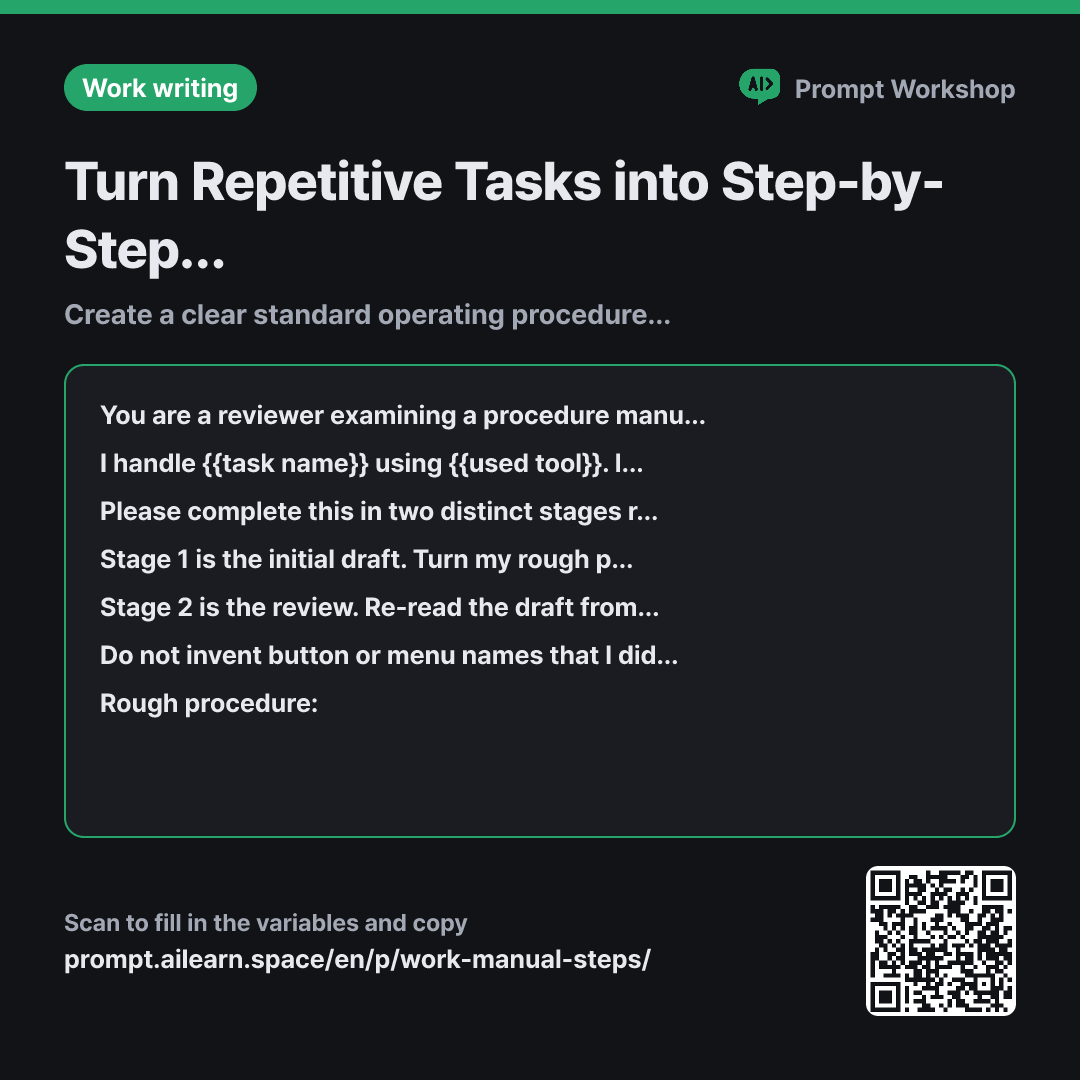
Why it is written this way
Tap a block to see its paragraph
You are a reviewer examining a procedure manual from the perspective of someone who has never done this job before. Your role is to identify hidden steps that seem too obvious for experienced staff to mention.
I handle {{task name}} using {{used tool}}. I want to create a standard operating procedure (SOP) so that a first-time assignee can complete this task independently without asking me questions.
Please complete this in two distinct stages rather than all at once.
Stage 1 is the initial draft. Turn my rough procedure into numbered steps. Limit each step to exactly one action, and ensure each step includes all four components: "What to do · Where (screen/menu name) · How to do it · Verification method (how to confirm it is done correctly)."
Stage 2 is the review. Re-read the draft from a beginner's perspective. Create a review table highlighting: steps that cannot be followed without unstated prior knowledge, steps combining multiple actions, and steps requiring judgment calls without clear criteria. Then, output only the finalized SOP incorporating all these corrections.
Do not invent button or menu names that I did not mention; leave them marked as "[Verify on screen]". Use imperative verbs (e.g., "Click...", "Select..."). Place a single "Note:" line directly under any step related to the frequent errors I provided.
Rough procedure: """ {{rough procedure}} """ Frequent errors: """ {{frequent error mistake}} """
- Role Who answers ×1
- Material What the AI needs to know ×2
- Work What to do, and how ×3
- Output What comes back, in what shape ×1
Manuals are written by experts, so obvious steps get left out. A single sentence like "Download payment records" omits which menu to open and which date range to select, which is precisely where a beginner gets stuck. This prompt is designed to automatically detect and fill those hidden gaps.
Read the full explanation · 3 paragraphs
This is why the task is split into two stages. If you ask for a draft and review simultaneously, the AI will just rubber-stamp its own output. By drafting in Stage 1 and switching to a "beginner's lens" in Stage 2, the same model becomes remarkably good at spotting its own omissions. When organizing internal process documentation, the review quality matters far more than the initial draft.
In the fourth paragraph, enforcing one action per step and the four required elements keeps the SOP structured instead of collapsing into walls of text. The "Verification method" is especially crucial—without it, users move to subsequent steps without knowing if they succeeded, and errors only surface at the very end.
The fifth paragraph serves as a self-review step with three explicit evaluation criteria, preventing the AI from merely proofreading grammar. The [Verify on screen] directive in the sixth paragraph stops hallucinated UI names, and wrapping user inputs in """ prevents rough notes from being misinterpreted as instructions.
Unfamiliar terms? See Aha AI: chain-of-thought, output-format
Compared with a bad example
Make a manual on how to do monthly reconciliation.
(Pastes rough notes here)
The AI simply returns your pasted notes with numbers in front of them. The missing steps remain absent, and the AI may hallucinate generic corporate accounting steps that your company does not follow. Without verification steps, the beginner will keep coming back to ask you questions at every step.
Variations
When an SOP exists but new hires keep getting stuck
Pinpoints gaps in existing documentation without rewriting from scratch. Saves usable content while making needed fixes crystal clear.
Show prompt
Below is an existing procedure manual for {{task name}}. Do not rewrite it; only identify friction points where a first-time user might get stuck. Provide a table highlighting: ① Steps that require unstated prior knowledge ② Company jargon or acronyms without definitions ③ Steps requiring judgment calls without clear criteria. Quote the exact sentence from the source text in each row.
""" {{rough procedure}} """
Converting into an onboarding checklist
Designed for fast-paced operational environments where staff lack time to read long text. Removes narrative filler so users can check off items one by one.
Show prompt
Convert the procedure for {{task name}} into a practical checklist based on {{used tool}}. Format each line as "□ (Action) — Verify: (Success criteria)", and append "(Warning)" at the end of lines prone to beginner mistakes. Do not include explanatory paragraphs; output only the checklist.
""" {{frequent error mistake}} """
Model notes
If the model skips Stage 2 and only provides the draft, simply follow up with: "Keep the Stage 1 draft as is and proceed with the Stage 2 review."
Some models may skip Stage 2 review and only output the initial draft. If that happens, simply follow up with: "Keep the Stage 1 draft as is and execute only the Stage 2 review." If your workflow exceeds 20 steps, split the request into two halves and merge them at the end for the highest accuracy.
Last updated 2026-09-02 · Found a mistake? Let us know