 Prompt Workshop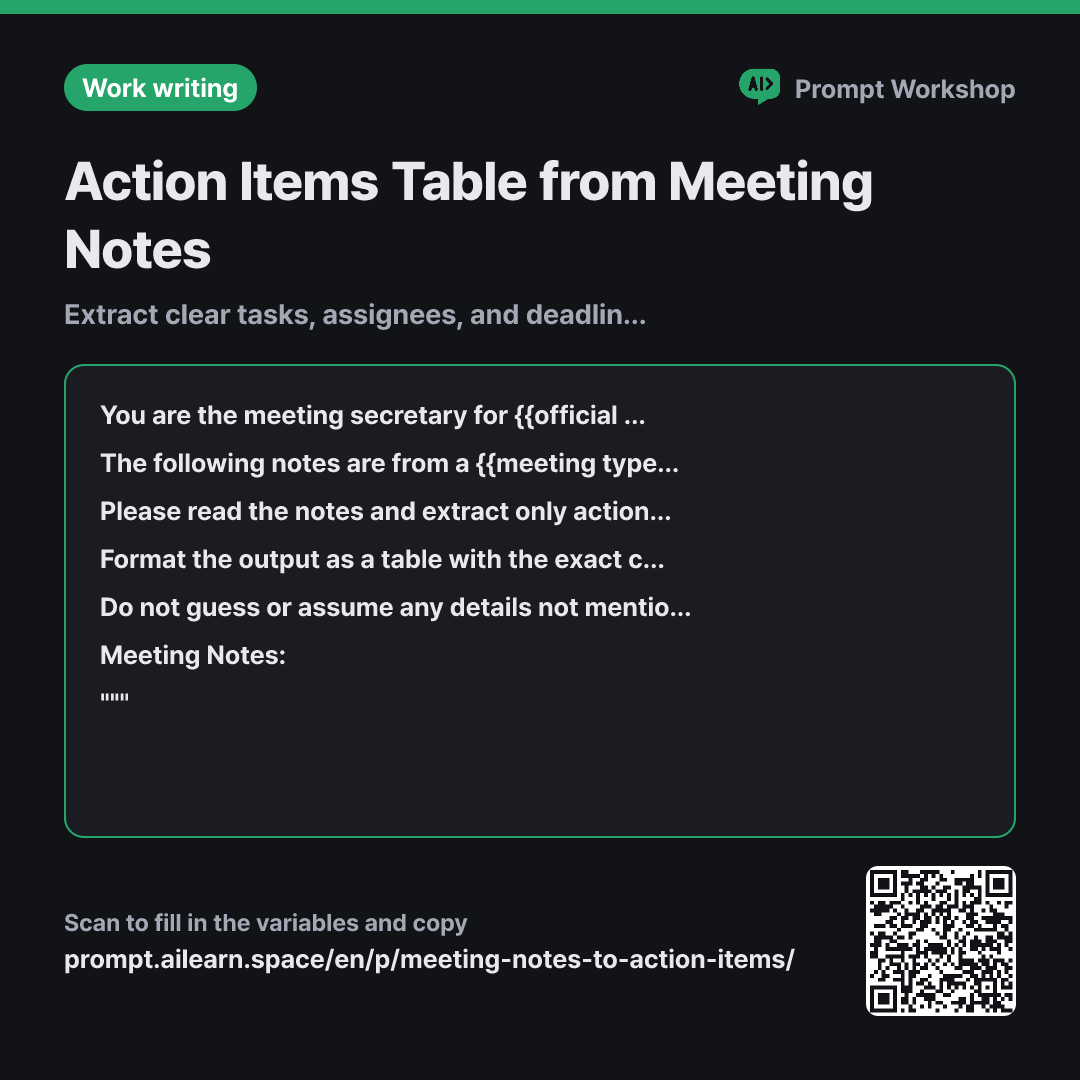
Why it is written this way
Tap a block to see its paragraph
You are the meeting secretary for {{official team name}}. Your role is to accurately extract only actionable to-dos from the notes.
The following notes are from a {{meeting type category}}. Attendees need to clearly see what they are responsible for following up on.
Please read the notes and extract only actionable to-dos (action items). Exclude topics that were merely discussed without a firm decision.
Format the output as a table with the exact columns: "Action Item | Assignee | Deadline | Notes". If an assignee or deadline is not specified in the notes, write "TBD" instead of leaving it blank.
Do not guess or assume any details not mentioned in the notes. If the same task is mentioned multiple times, combine it into one row. Below the table, list up to 3 "Items Requiring Clarification" separately.
Meeting Notes: """ {{meeting minute notes}} """
- Role Who answers ×1
- Material What the AI needs to know ×2
- Work What to do, and how ×1
- Output What comes back, in what shape ×2
This prompt does something straightforward: it extracts only actionable to-dos from a long text and organizes them into a table. However, if you simply ask AI to "organize this," it tends to summarize the entire discussion, blurring the line between finalized decisions and casual suggestions. Every sentence in this prompt acts as a safeguard against those mistakes.
Read the full explanation · 3 paragraphs
The Role in the first paragraph is defined as "secretary." A meeting secretary records without offering opinions. This single role significantly reduces the AI's tendency to append unprompted advice or suggestions. The Context in the second paragraph clarifies who will read the table and why. Giving it the explicit purpose of "helping attendees see their follow-ups" ensures the AI prioritizes filling out assignees properly.
In the Task paragraph, specifying "exclude topics that were merely discussed without a firm decision" is critical. The most common error with meeting notes is turning "let's discuss this next time" into an action item. The Format section sets the column sequence and enforces "TBD" over empty cells, preventing the AI from hallucinating plausible names or dates.
The Constraints section includes "Items Requiring Clarification," providing an explicit outlet for ambiguous points so the AI doesn't force them into the table. Finally, wrapping the notes in """ ensures the AI clearly distinguishes the raw data from prompt instructions, even if the text contains phrases like "do not record this."
Unfamiliar terms? See Aha AI: role-prompting, context-window
Compared with a bad example
Organize these meeting notes.
(paste meeting notes)
When prompted this way, the AI interprets "organize" as a general summary. You end up with multi-paragraph prose where key assignees and deadlines are scattered throughout the text. It also fails to separate finalized decisions from open discussions, forcing you to filter the tasks manually.
Variations
Short Version (for Brief Notes)
Role and context are omitted. This works well when the notes are under 10 lines and involve three or fewer participants.
Show prompt
Please extract only actionable to-dos from the meeting notes below into a table with columns: "Action Item | Assignee | Deadline". If an assignee or deadline is missing, write "TBD". Do not guess any details not explicitly mentioned in the notes.
""" {{meeting minute notes}} """
For Slack / Chat Thread Transcripts
Chat transcripts tend to be unstructured. Adding a "Source Message" column makes it easy to trace back where each task originated.
Show prompt
Below is a chat transcript from {{official team name}}. Please extract only committed tasks into a table with columns: "Action Item | Assignee | Deadline | Source Message". If an idea was merely proposed (e.g., "Should we try this?") without confirmation, do not include it in the table; list it below under "Unconfirmed Proposals".
""" {{meeting minute notes}} """
Model notes
If your notes exceed 3,000 words, feed them in 2–3 parts and add "Merge the tables above into one" at the end.
When formatting multi-line content inside table cells, ChatGPT and Claude handle Markdown tables well. If you plan to paste the result into Excel or Google Sheets, adding "Also provide the table as tab-separated text (TSV)" can save formatting time.
Last updated 2026-09-02 · Found a mistake? Let us know