 Prompt Workshop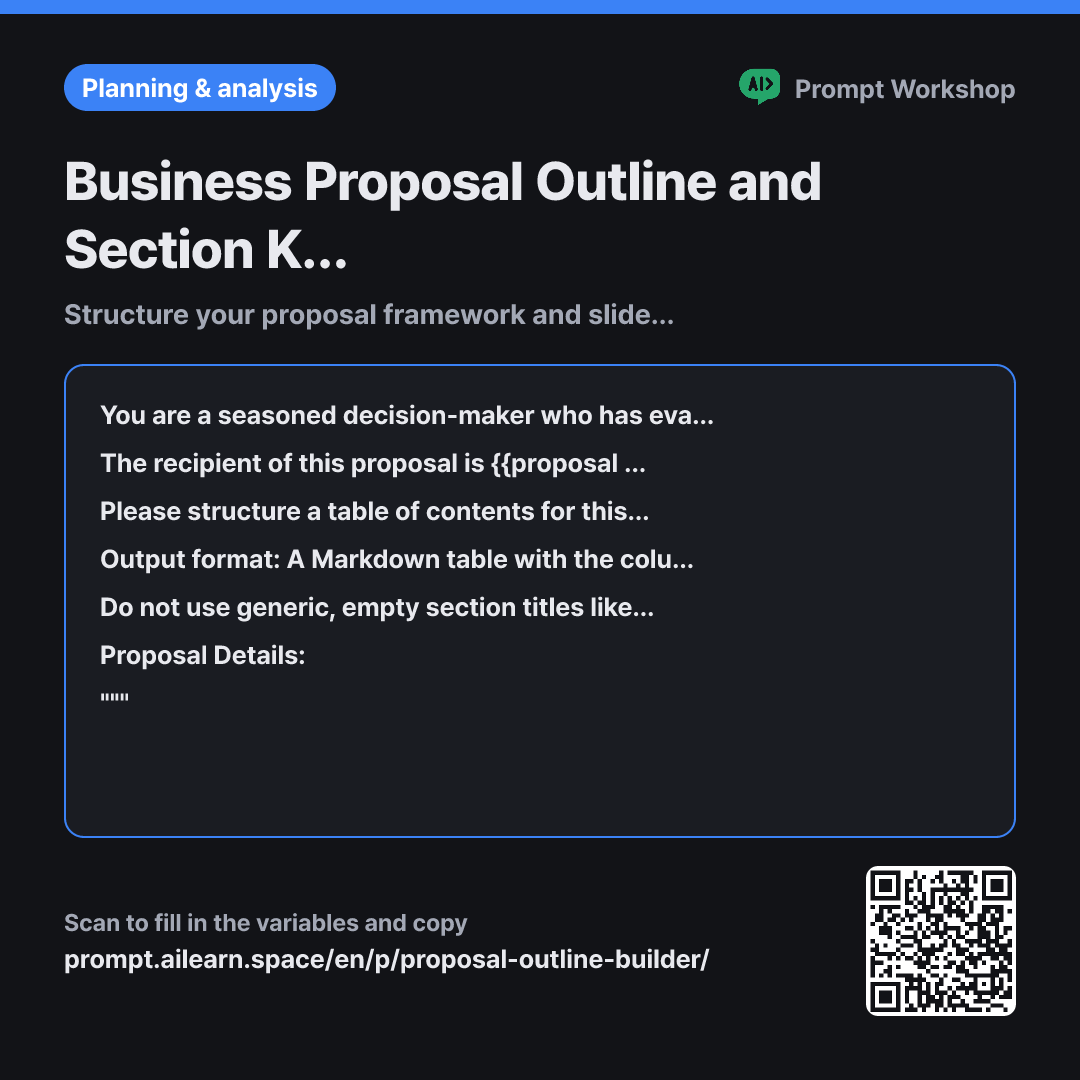
Why it is written this way
Tap a block to see its paragraph
You are a seasoned decision-maker who has evaluated business proposals for years. Reviewing multiple pitches a day, you intuitively know which slide hooks an evaluator and which slide makes them lose interest.
The recipient of this proposal is {{proposal target audience}}. The core proposal content is provided below, and the format constraint is {{presentation length}}. Assume this person has already seen dozens of similar proposals.
Please structure a table of contents for this proposal. Do not follow a generic, standard template sequence. Instead, arrange the sections in the order of questions {{proposal target audience}} would naturally ask, explaining the rationale behind this sequence. For each section, provide 2 to 3 core key points and assign the specific length/slide allocation.
Output format: A Markdown table with the columns: "Order · Section Title · Key Question This Section Answers · Core Key Points (2–3) · Allocated Length". Express the allocated length in slide count or minutes according to {{presentation length}}, and verify at the bottom of the table whether the total matches the overall constraint. After the table, list up to two "Sections that can be safely removed" and up to two "Sections that cannot be filled with current information."
Do not use generic, empty section titles like "Background", "Overview", or "Conclusion". Write titles that clearly convey the main assertion or value proposition on their own. Do not invent metrics or track records not provided in the prompt.
Proposal Details: """ {{proposal detail content}} """
- Role Who answers ×1
- Material What the AI needs to know ×2
- Work What to do, and how ×1
- Output What comes back, in what shape ×2
When you simply ask for a "proposal outline," AI typically returns a generic structure: Company Intro, Background, Market Analysis, Solution, Expected Outcomes, Timeline, and Pricing. This order persists not because it is effective, but because it is comfortable for the writer, not the reader. Decision-makers never sit down hoping to read your company's history first.
Read the full explanation · 3 paragraphs
Setting the Role in the opening paragraph to an experienced "evaluator on the receiving end" rather than a presenter is the core mechanism of this prompt. Looking through the evaluator's eyes instantly changes which slides are seen as testing their patience. In the second Context paragraph, stating that the recipient has "seen dozens of similar proposals" prevents the model from generating boilerplate background slides.
The Format constraint requiring a "Key Question This Section Answers" column filters out fluffy titles. When sections are framed as answers to real buyer questions, empty sections with nothing substantive to say are immediately exposed. Requiring explicit slide/time allocations prevents the common mistake of planning 20 slides for a 15-minute meeting. Listing "Sections that cannot be filled with current information" helps identify content gaps before writing starts.
A great proposal outline is iterative. It becomes truly effective when you take a draft, delete non-essential slides, and refine the flow. Requesting "Sections that can be safely removed" provides an immediate hook for your next prompt iteration.
Unfamiliar terms? See Aha AI: role-prompting, output-format
Compared with a bad example
Make an outline for a coffee franchise marketing proposal.
Produces a textbook outline where generic company background and market overviews eat up the first half, while the unique value proposition is squeezed into a single vague "Proposal Details" section. Without specific content guidance per slide or length calibration, you end up with 20+ slides for a 15-minute pitch and hit a wall from slide one.
Variations
Restructuring sequence after drafting
Use this variant to refine an existing outline draft. Changing the sequence alone significantly boosts persuasiveness.
Show prompt
Please re-evaluate the outline below from the perspective of {{proposal target audience}}. Identify at which section they would start impatiently looking for the bottom-line cost or ROI, and propose a restructured sequence that brings that section forward. Add a one-line explanation for each moved section explaining why it shifted, and confirm at the end whether the narrative flow remains coherent.
Proposal Content: {{proposal detail content}}
When competing against multiple proposals
In a competitive pitch, outlines are graded on how quickly key comparison criteria stand out. This variant aligns the structure directly against buyer evaluation scorecards.
Show prompt
{{proposal target audience}} is evaluating proposals from us and 2–3 competing vendors side-by-side. Based on {{proposal detail content}}, list the top 5 criteria the evaluator will use to compare candidates. Then, create a table mapping which section highlights each criterion, noting any areas where our differentiator risks being overlooked. Keep the overall scope within {{presentation length}}.
Model notes
Generate only the outline first, then request the body content section by section in follow-up prompts. Asking for "both outline and full proposal text" in one go often results in detailed early slides and rushed, one-line bullets toward the end.
Last updated 2026-09-02 · Found a mistake? Let us know