 Prompt Workshop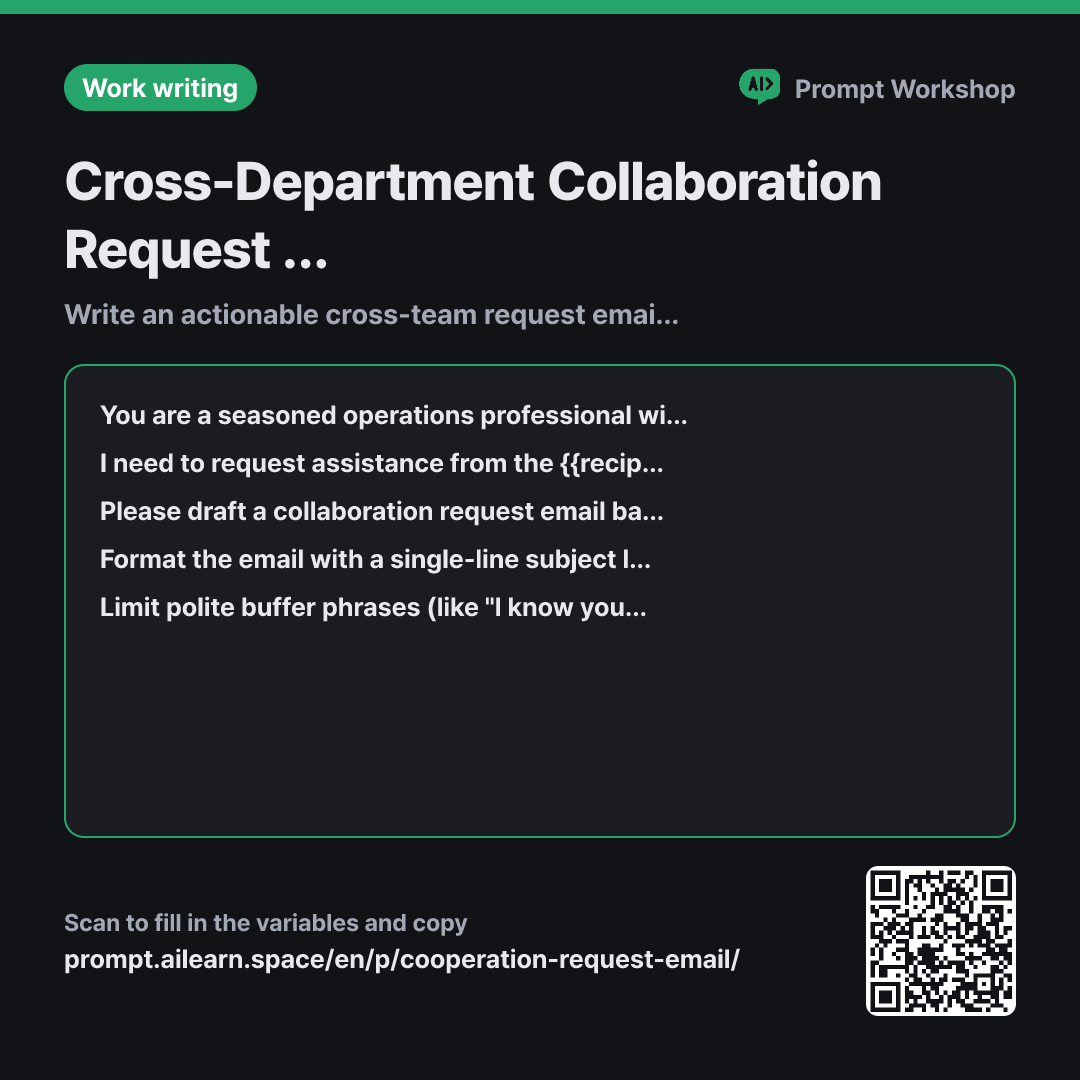
Why it is written this way
Tap a block to see its paragraph
You are a seasoned operations professional with 15 years of cross-functional experience. You excel at writing concise requests that eliminate ambiguity so recipients know exactly what action to take immediately.
I need to request assistance from the {{recipient department}}. The reason for this request is: {{required necessity reason}}. The recipient has their own priorities and will skim this email in under 30 seconds.
Please draft a collaboration request email based on the following details. The request is: {{request content}}, and the deadline is: {{due date}}. Place a single sentence starting with an action verb right at the beginning clearly stating what the recipient needs to do.
Format the email with a single-line subject line and three short body paragraphs. The subject line must clearly indicate both the request and the deadline. The body structure must follow: direct request sentence → reason and background context → deadline and next steps. Keep the entire email under 150 words.
Limit polite buffer phrases (like "I know you're busy") to at most one instance, and never begin sentences with an apology. Do not fabricate internal approval chains, workflows, or stakeholder names that I have not provided. Conclude with a single sentence offering something I can prepare or do to reduce their workload.
- Role Who answers ×1
- Material What the AI needs to know ×1
- Work What to do, and how ×1
- Output What comes back, in what shape ×2
The most common mistake when drafting collaboration request emails is losing the core message beneath excessive politeness. When greetings and apologies drag on across multiple paragraphs, the critical "what and by when" gets buried at the very bottom. Busy recipients often close the email intending to read it later. This prompt focuses on bringing the exact call to action and deadline straight to the front.
Read the full explanation · 3 paragraphs
Setting the Role in the first paragraph as a seasoned cross-functional professional ensures the tone fits internal peer-to-peer communication rather than an overly formal sales pitch. In the second paragraph's Context, specifying that the recipient only has 30 seconds to skim forces the model to trim unnecessary fluff automatically.
The core of the Task paragraph is requiring an opening sentence that begins with an action verb. In cross-departmental requests, the recipient's primary question is whether they need to take action right now; a noun-heavy subject like "Q3 Settlement Update" fails to answer that. Specifying a strict length limit and a three-paragraph sequence prevents background context from overshadowing the actual ask.
Finally, the Constraints paragraph prevents two issues: piling up hollow polite cushions and hallucinating fictitious approval workflows or names. Including an offer to lighten their workload at the end significantly increases the likelihood of a fast and positive reply.
Unfamiliar terms? See Aha AI: role-prompting, output-format
Compared with a bad example
Write a polite email asking the finance team for data
A generic prompt like this generates an email filled with generic pleasantries and apologies. It misses the specific data needed, the preferred format, and the deadline, prompting the recipient to reply with "Which data specifically?" This creates unnecessary back-and-forth and wastes days.
Variations
Following up on a previous request
Since this is a follow-up, this variant prevents sounding demanding by asking for a status check first and offering timeline flexibility to make responding easy.
Show prompt
Please draft a polite follow-up email to the {{recipient department}} regarding a previously requested task. The request is: {{request content}}, and it is needed by {{due date}}.
Remind them of the prior request without sounding pushy or accusatory. Do not assume they forgot; instead, start by politely checking in on the progress. End with a single sentence offering to adjust the deadline if necessary. Keep it under 80 words.
Brief request via internal chat/Slack
Chat messages must be much more concise than emails to be read immediately. This eliminates paragraph structures and focuses purely on a 3-line limit with an easy-to-answer closing.
Show prompt
Write a concise internal chat message (e.g., Slack or Teams) to the contact person in the {{recipient department}}. The request is: {{request content}}, the reason is: {{required necessity reason}}, and the deadline is: {{due date}}.
Keep the message within three lines, including a brief greeting. Place the request and deadline together on the first line, and end with a prompt that allows the recipient to reply quickly with a simple confirmation or their available timeline.
Model notes
Word and character limits are rarely exact. If the initial draft is too lengthy, follow up with: "Keep the request and deadline intact, but cut the background explanation in half."
Last updated 2026-09-02 · Found a mistake? Let us know