 Prompt Workshop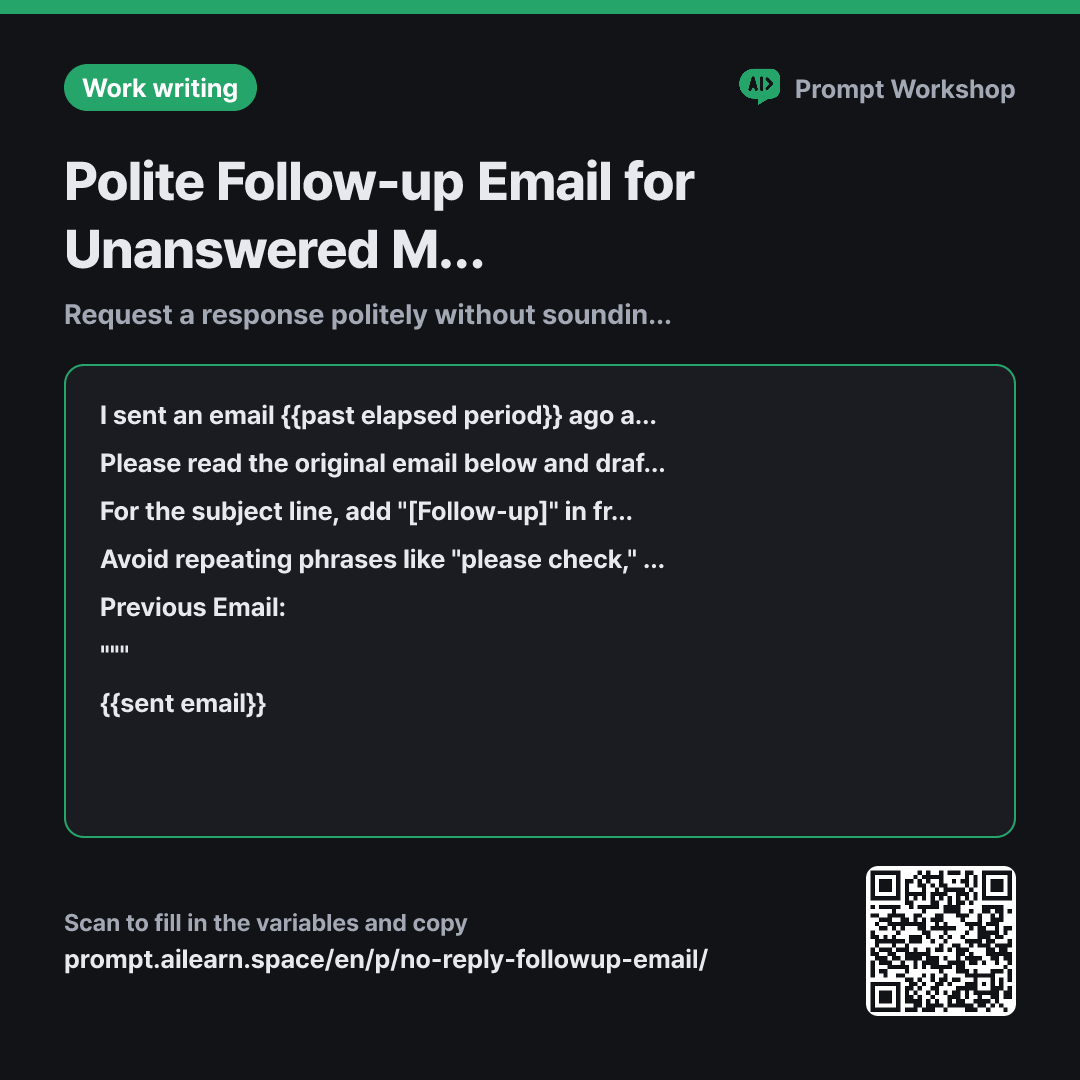
Why it is written this way
Tap a block to see its paragraph
I sent an email {{past elapsed period}} ago and haven't received a response yet, so I would like to send a gentle follow-up email. Please assume the recipient did not intentionally ignore me, but was likely busy or missed the message.
Please read the original email below and draft a polite follow-up. Do not copy the original email verbatim; summarize what I requested in 3 lines or fewer. The specific answer I need is {{required answer response}}.
For the subject line, add "[Follow-up]" in front of the original subject. If the original email has no subject, create a one-line summary of the request as the subject line and add "[Follow-up]" before it. Keep the body under 100 words, structured in this order: Brief summary of previous email → Required answer needed → New response timeline. For the timeline, rather than setting a hard deadline myself, phrasing it as "when you might be able to share an update" is preferred.
Avoid repeating phrases like "please check," and do not guess or mention why they haven't replied. Include a clear yes/no or simple choice option so the recipient can easily reply in a single sentence. Do not invent any facts not present in the original email.
Previous Email: """ {{sent email}} """
- Material What the AI needs to know ×2
- Work What to do, and how ×1
- Output What comes back, in what shape ×2
When using a prompt to follow up on an unanswered email, most people simply resend the original email with an added line like, "Just checking in on this." However, the reason the recipient didn't reply in the first place is usually that the email was too long or unclear about what specific action was required. Sending the exact same email leads to it being postponed again for the same reason. This prompt focuses on summarizing the context and narrowing the question down to a single, easily actionable response.
Read the full explanation · 3 paragraphs
The Context in the first paragraph—noting that the recipient was likely busy rather than intentionally ignoring the message—sets the overall tone. Without this guidance, AI models tend to produce passive-aggressive or slightly guilt-tripping phrasing. Setting the elapsed time as a variable serves the same purpose; a follow-up sent after 3 days requires a very different tone than one sent after a month.
The instruction to "summarize in 3 lines or fewer" is the core of this prompt. When asked to draft a follow-up, ChatGPT often generates a longer, overly polite version of the original text, when what is actually needed is the exact opposite. Enforcing a strict word count and a 3-part sequence in the Format ensures that the summary, request, and timeline fit on a single screen without scrolling.
The Constraints block out pushy language and speculative excuses while prompting a binary (yes/no) or simple choice format. Emails that only require a quick pick or a one-line answer receive significantly faster responses. Wrapping the previous email in """ delimiters prevents phrases like "Please reply" inside the original text from being misread as new instructions. As the pasted context grows longer, this separation becomes increasingly crucial.
Unfamiliar terms? See Aha AI: context-window, prompt-injection
Compared with a bad example
I didn't get a reply so write me a follow-up email.
(pasting previous email)
The model will likely retain almost the entire original email, only adding generic greetings and nagging phrases. The result is an even longer email than the first, leaving the recipient still unsure of what to answer first. With no clear call to action or timeline, it gets pushed to their "deal with later" pile once again. By the time a third email is sent, the tone often stiffens, straining the relationship.
Variations
Polite Follow-up to an External Partner
When dealing with external partners, unanswered emails are often due to personnel changes or handoffs between departments. This variant replaces pressure with a routing question to smoothly get back on track.
Show prompt
I haven't heard back from an external contact regarding the email below sent {{past elapsed period}} ago. Please draft a polite follow-up email.
Assume that I am unfamiliar with their internal processes. Rather than pressing for an answer, ask if there has been a change in point of contact or if it would be better to reach out to someone else, and summarize the key information needed ({{required answer response}}) in a single closing line. Keep it under 80 words.
Previous Email: """ {{sent email}} """
Final Follow-up Before Moving Forward
Use this variant when you can no longer wait for a response. It informs the recipient of the next steps without reading like a harsh ultimatum.
Show prompt
It has been {{past elapsed period}} since I sent the email below, and this will be my final follow-up. If I don't receive {{required answer response}}, I will need to proceed with an alternative approach.
Write a concise email that calmly states how I will proceed if there is no response, without sounding confrontational. End with a welcoming note that their input is always appreciated rather than shutting the door completely. Keep it to 3 sentences or fewer.
Previous Email: """ {{sent email}} """
Model notes
When pasting a previous email, the model may occasionally retain the original greeting and email signature. If the output is longer than desired, follow up with: "Shorten the summary of the previous email to two lines and remove the signature."
Last updated 2026-09-02 · Found a mistake? Let us know