 Prompt Workshop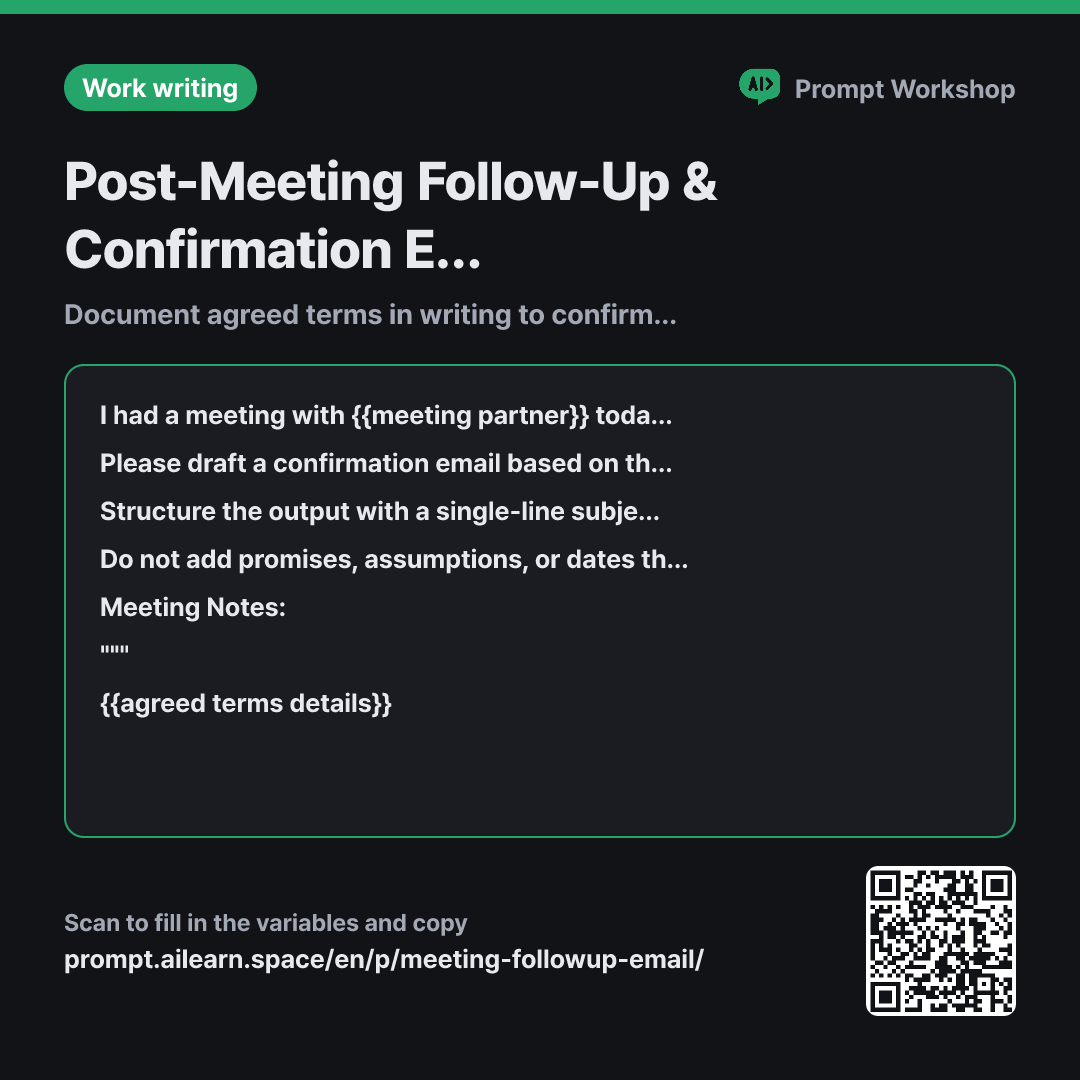
Why it is written this way
Tap a block to see its paragraph
I had a meeting with {{meeting partner}} today, and I want to send a follow-up confirmation email summarizing our discussion. The primary goal of this email is to verify that we are both on the exact same page.
Please draft a confirmation email based on the notes below. You must clearly separate what was agreed upon from what remains undecided. If any item in the notes is ambiguous, place it under the undecided section.
Structure the output with a single-line subject line followed by the email body. Organize the body in this exact order: "Two lines of greeting and brief thanks → Agreed Items (numbered list) → Open / Undecided Items (numbered list) → Next Steps / Schedule → Sign-off". Keep the entire email concise (around 150–200 words). The next schedule is {{next schedule}}.
Do not add promises, assumptions, or dates that are not in the notes. Naturally include a sentence meaning "Please let me know if anything here differs from your understanding," and avoid excessive apologies or overly flowery gratitude.
Meeting Notes: """ {{agreed terms details}} """
- Material What the AI needs to know ×2
- Work What to do, and how ×1
- Output What comes back, in what shape ×2
Ending a follow-up email with just "Looking forward to working with you" risks misalignment two weeks later. People naturally remember verbal agreements in a way that favors their own perspective. This prompt is not about drafting a polite email—it is a tool to firmly set the boundary in writing between what has been agreed and what remains open, explicitly seeking confirmation.
Read the full explanation · 3 paragraphs
This is why the Context paragraph clearly states that "the primary goal is to verify that we are both on the exact same page." Without this explicit goal, AI will treat the message as a generic thank-you note and gloss over crucial undecided items. A single line defining the intent shifts the entire tone of the email.
The Format paragraph requires splitting items into "Agreed" and "Undecided" lists, which forms the core of this email. Directing the AI to place ambiguous points under the undecided section is also intentional: assuming an unconfirmed item is finalized causes far more friction later than listing it as pending and having the other party clarify, "Actually, we agreed on that."
Wrapping the notes in """ ensures that informal phrases in the raw notes (e.g., "we will provide the draft first") are treated purely as reference data rather than instructions. Because follow-up emails are usually written from quick, messy notes, using delimiters prevents the rough tone of raw notes from bleeding into the final draft.
Unfamiliar terms? See Aha AI: context-window, hallucination
Compared with a bad example
Summarize today's meeting and write a follow-up email.
(Paste notes)
Prompting like this results in a generic email starting with pleasantries and vague lines like "It was great discussing these matters with you." Agreed items and open talking points get blended into a single paragraph, making it impossible to use the email later as proof of what was firmly finalized. Undecided items are often omitted entirely or brushed off with a single phrase like "to be discussed later."
Variations
When sharing internally across teams with less formality
For internal team updates, pleasantries only get in the way. This variant strips out formal greetings and keeps only the essential three sections.
Show prompt
Please summarize the meeting just held with {{meeting partner}} into a message to share on our team chat channel.
Skip greetings and structure it into three clear sections only: "Decisions Made / Still Open / Next Action Items". Keep each item to one line, and keep the whole post within 10 lines. Include the next schedule ({{next schedule}}) as a single line at the bottom.
""" {{agreed terms details}} """
When the other party might delay commitments
Commitments without explicit deadlines rarely get executed. Prompting for a specific target date establishes clear accountability for the next check-in.
Show prompt
Please write a confirmation email to send to {{meeting partner}}. For any tasks assigned to them during today's discussion, append a polite question asking by what date they can provide a response.
Avoid imposing an arbitrary deadline on them. Instead, phrase the request with context, such as "If you could let us know by [Date], we will align our timeline accordingly." The next schedule is {{next schedule}}.
""" {{agreed terms details}} """
Model notes
Even when length constraints are set, emails can easily double in size once polite opening and closing formulas are added. After getting the initial draft, asking "Shorten the greeting and sign-off to one line each" will leave only the clean, readable bullet points.
Last updated 2026-09-02 · Found a mistake? Let us know